Guide · Before you order
Trading card print checklist
Before ordering a custom trading card, check the photo crop, spelling, text, both sides, numbering and product format. For a set, review every card. This trading card print checklist takes you through the details that are easy to miss.
Cardbop lets you build a card from your own photo and details, then review the front and back in the live preview before ordering.
Free to design · No account needed to start · Preview before ordering.
Your before-ordering checklist
Work through this on your phone or computer. The boxes are for this visit; they are not a saved record or a print-quality guarantee.
Download the printable checklist. Open the downloaded file in a browser and print it. No email or upload required.
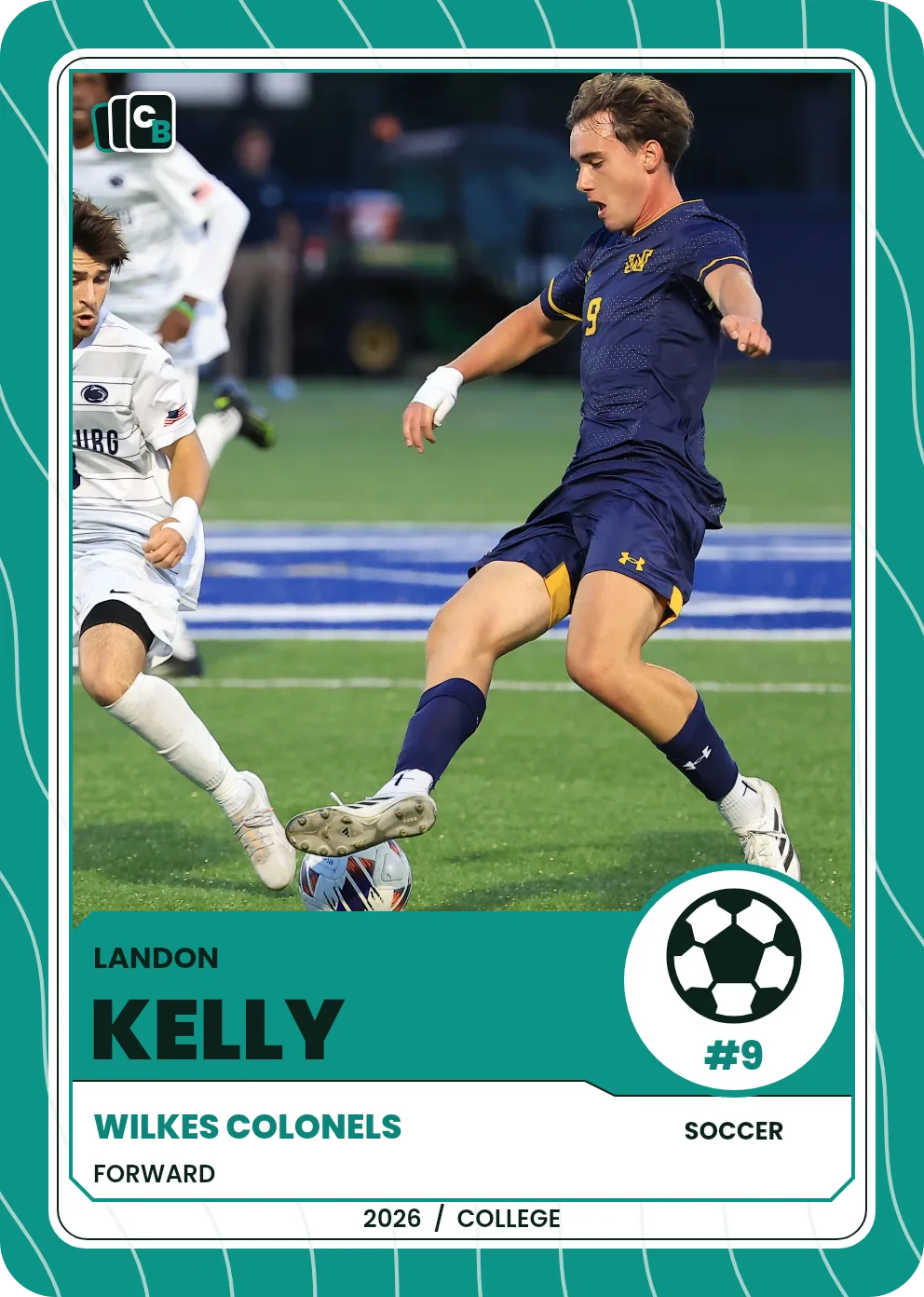
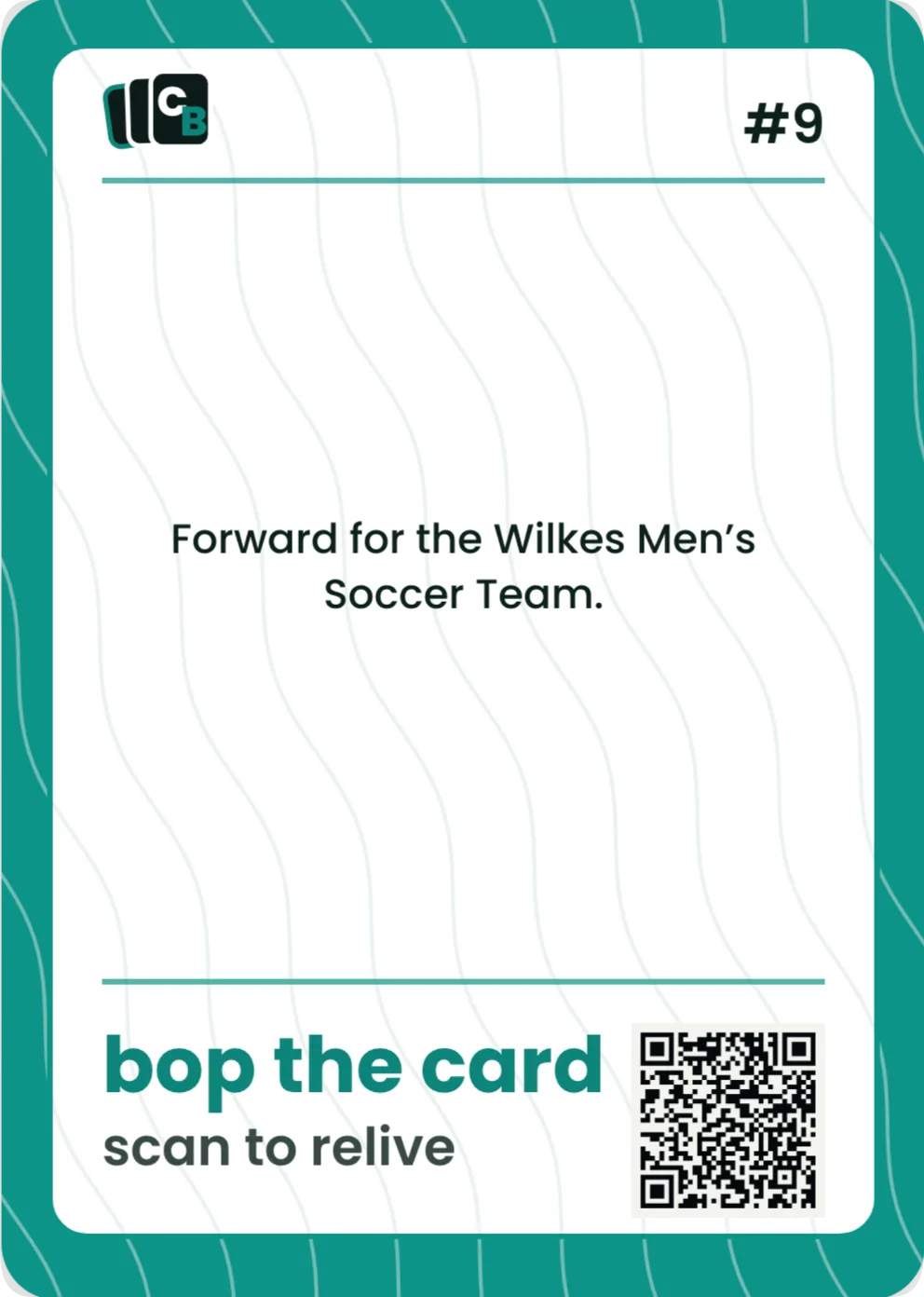
Look at the back, too
The front catches the eye. The back is where a name, season recap or personal message can make the card feel like yours. Read both aloud once: it is easier to notice a missing word when you are not just scanning the picture.
These are the approved Landon Kelly example’s two faces, shown as digital card previews. They demonstrate what to review, not a physical color proof.
Put the checklist beside your preview
Add your photo and details in Cardbop, then use the checklist while reviewing the design. You can compare the front and back before choosing your order.
Free to design · No account needed to start · Preview before ordering.
Three checks that answer different questions
Digital preview
Are the photo, words and layout the way you want them? A display cannot show the actual feel of the material.
Paper mockup
Does the wording feel readable at the intended size? An ordinary home print does not establish final color, card stock or finish.
Physical product
How does a particular produced card look and feel? A sample only demonstrates the stock, finish and process used for that sample.
If you are preparing your own print files, follow the printer’s specifications. Our card-size and print-spec guide explains trim, bleed and safe areas; it is separate from Cardbop’s photo-and-details creator.
For a Pack, check the whole set
A correct first card does not prove the other cards are ready. Review every photo, name, back and number. When a design is duplicated, make sure the copy is intentional. Compare each card’s style, color and supported details, and check the separately selected wrapper color before ordering.
Use the photo-and-details planning sheet to organize a set, then follow the Card Pack walkthrough.
Frequently asked questions
What should I check before printing a trading card?+
Check the photo crop and quality, spelling, dates, readable text, both sides, numbering, quantity and chosen product format. For a set, review each card rather than just the first one.
Is a digital preview the same as a physical proof?+
No. A screen preview helps you check content and placement. It does not reproduce the exact feel, finish or color of a physical card. A paper mockup can help judge layout size, but is not a finished-product sample.
Can I preview a Cardbop card before ordering?+
Yes. Designing and previewing are free. A Display Card is $29.95; a Card Pack of 10 is $49.95. Saving or returning to a saved design has its actual account requirements. Product prices are before applicable tax and shipping. Standard US Ground Shipping is $7.99 per order unless an eligible offer changes it. Review the total and any accepted code before payment.
Does editing the Living Card change the printed card?+
No. Updating the page behind the QR code does not change an existing printed photo, name or message. Review every card before ordering. If you need to change an order, contact Cardbop promptly with the order number; a change is not guaranteed once production is underway.
What should I review after changing a Pack’s style?+
Changing the style applies to the Pack and can change supported fields and their placement. Recheck every front and back, photo, name, card color, number, duplicate slot and separately chosen wrapper color. One correct first card does not validate the rest.