FAQ
A few things before the card becomes real.
Quick answers about making, saving, ordering, and sharing a Cardbop keepsake.
Help topic
Making a card
What is Cardbop?
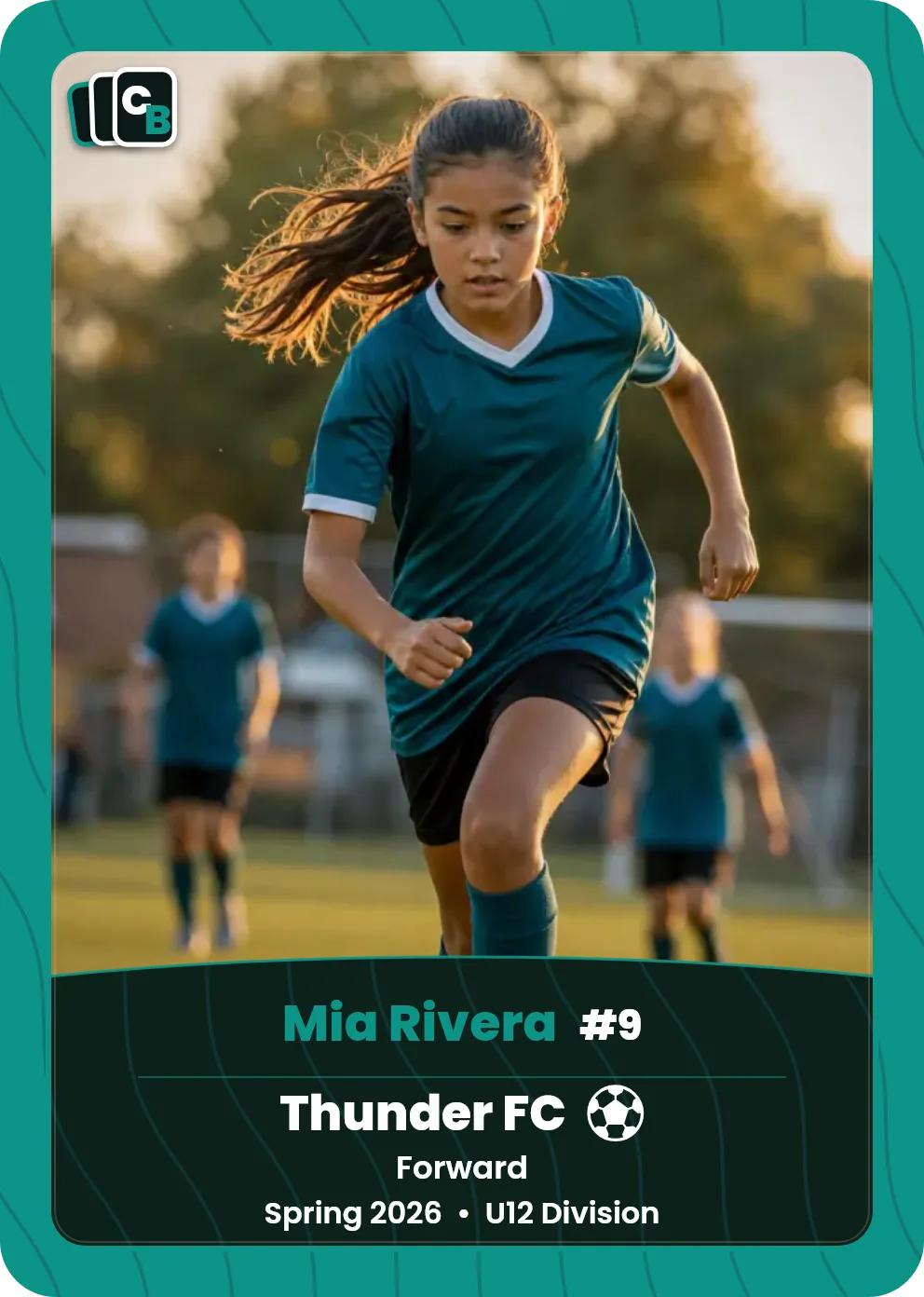
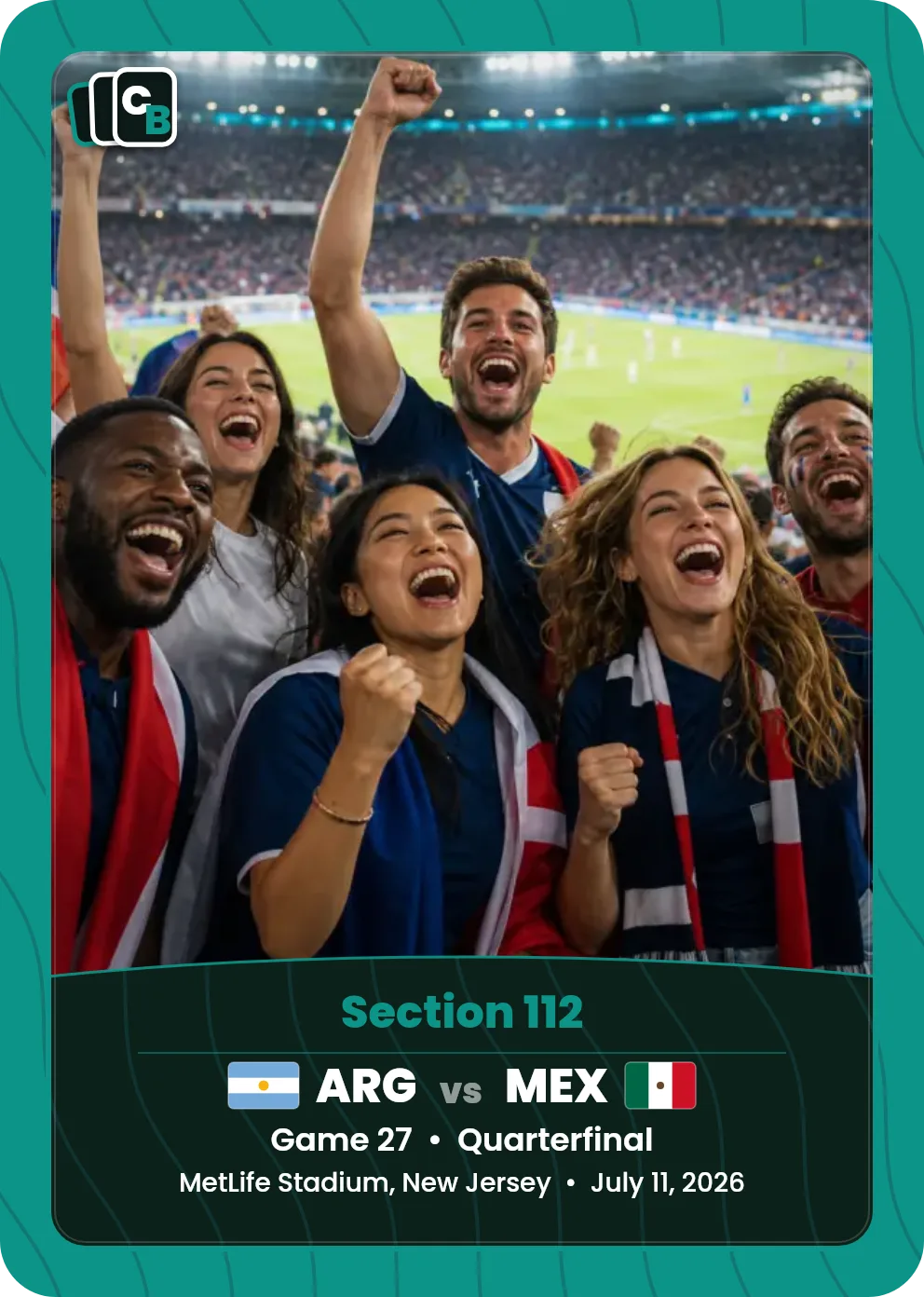
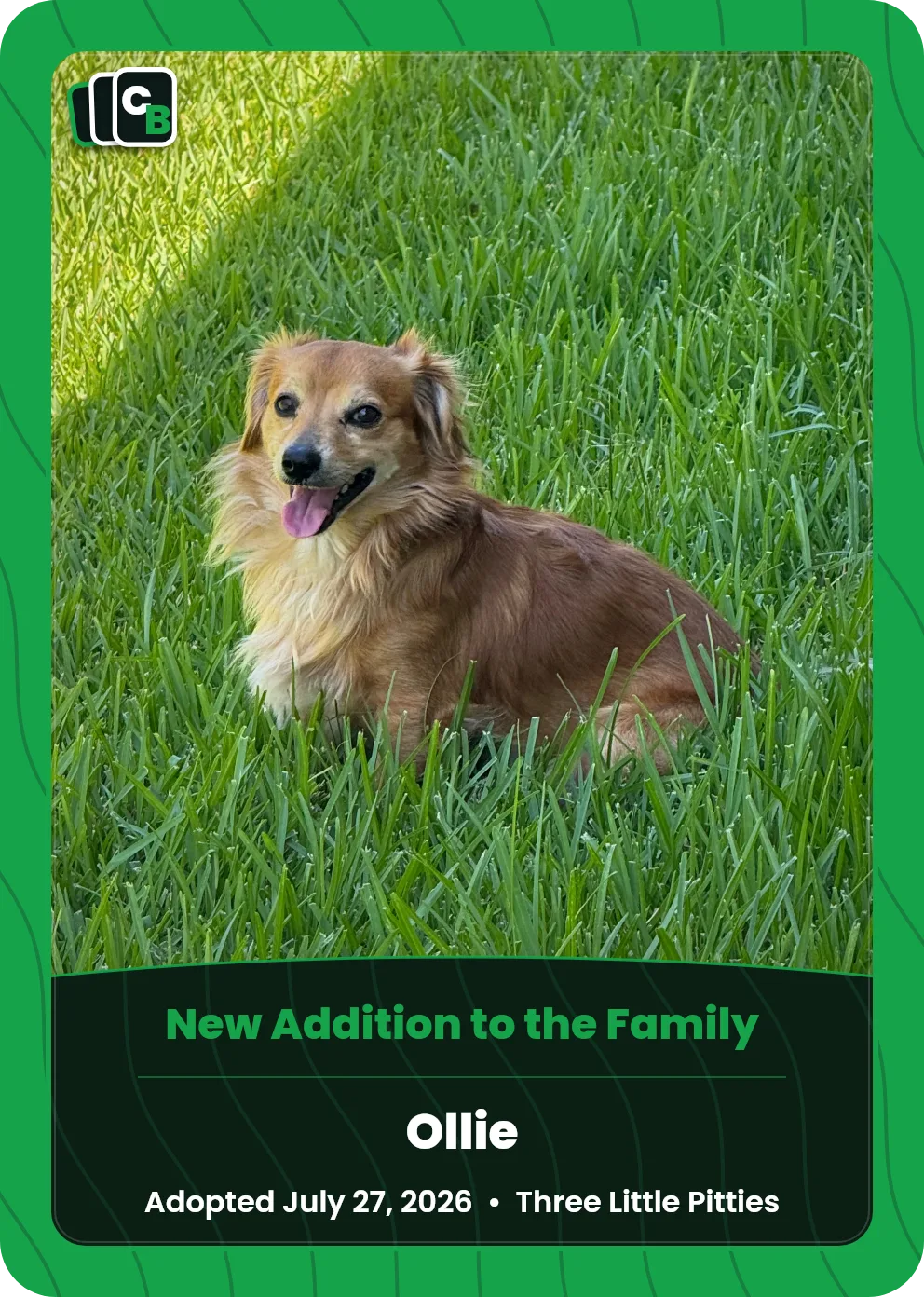
Cardbop turns a favorite photo and personal details into a real trading-card keepsake. You choose a template, add the details, preview the front, back, and case label, then order when it feels right.
What can I make a card for?
Youth sports, World Cup trips, pets, weddings, relationships, bachelor(ette) parties, favorite cars or boats, graduations, birthdays, trips, and other moments worth remembering.
Do I need design experience?
No. Start with a template, upload a photo, fill in the fields, and adjust the color or photo crop. The maker handles the card layout for you.
Which photo works best?
Portrait photos usually fit best, but you can reposition and zoom after upload. Use a clear, high-resolution JPEG or PNG whenever possible.
Can I make a TCG-style card with HP and abilities?
Yes. A Cardbop TCG card is a custom trading card in a game-card layout: your photo or artwork in a bordered window, a name with HP and an element symbol, a type line, up to two abilities with damage, and flavor text. Bring your own image: a photo, a drawing, or art you made or commissioned. We print it on the card as you upload it. We don't animate it or turn photos into anime.
Help topic
Orders and accounts
How long does it take to make one?
Most cards can be made ready to order in minutes once you have the photo and details. More thoughtful gifts may take longer if you want to refine the label, card-back note, or photo crop.
Can I save a card and come back later?
Yes. Sign in or create an account to save drafts, continue editing, view orders, share cards, and reorder favorites.
Can I order more than one card?
Yes. You can add multiple cards and choose the quantity for each design before reviewing your order.
Can I review the card before ordering?
Yes. You can review the front, back, case preview, quantities, and total before checkout.
Help topic
The QR code on the back
What does the QR code on the back of the card do?
Every Cardbop card is a Living Card: the QR code printed on the back opens a page that belongs to that card. After you order, you can add the story behind it, more photos from that day, links (a highlight video, a playlist, a shared album), and a note the person who gets it finds when they scan it. Whoever scans the card sees what you've published there.
Can I leave a note for the person who gets the card?
Yes. Write it into the card's story and they'll find it when they scan the card. Only people with the card or its link can open the page, and the owner can make it private. The printed code never changes, so the page can be updated any time. The page isn't listed in search engines.
When can I add to the card's page?
As soon as your order is placed. Your confirmation email has a button that opens it, and every card is listed in your account. You can change it any time, and the printed QR code always points to the same page.
Does the Living Card cost extra?
No. The Living Card page is included with every card.
Help topic
Rights, privacy, and support
What photo rights do I need?
Only upload photos you own or have permission to use. Before ordering, you confirm that the photo and card do not include offensive or infringing content.
Can I share a card?
Yes. Saved cards and orders can be shared from your account when sharing is available for that card.
What if I need help with an order or draft?
Use the contact page and include any order number, saved-card link, card title, or checkout email you have. Those details help us find the right record quickly.
Still need help?
Send us the order number, saved-card link, card title, or checkout email you have, and we will help track it down.