Trading card maker
Make your own trading card
A free online maker for real, personal cards. Pick a style, upload a photo, add the details, and preview your card live — no design experience needed.
Free to design · No account needed to start · Preview before ordering.
- Free to design
- No design skills
- Live preview
- 16 card styles
- From $29.99
- Made in minutes
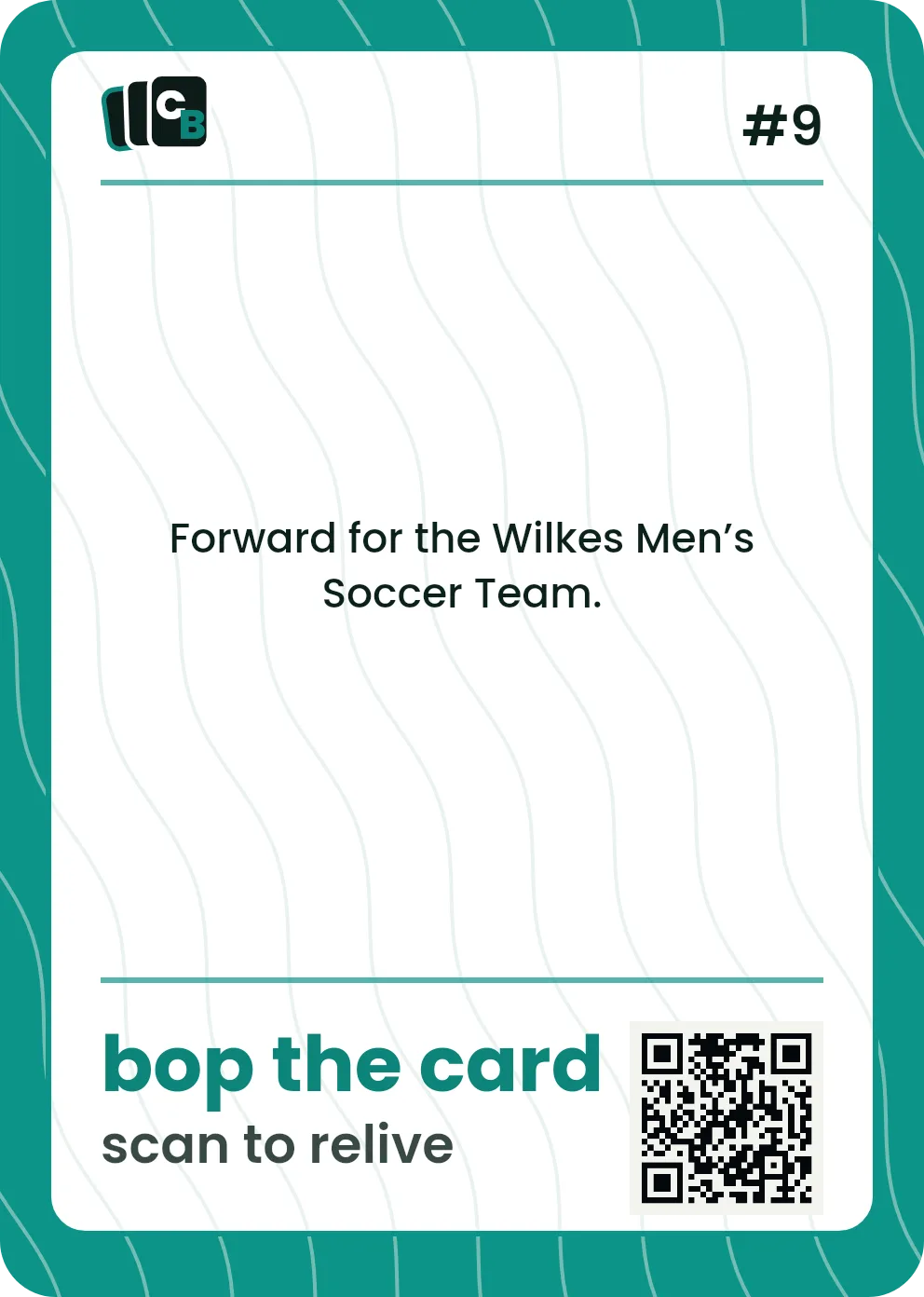
Swipe or drag horizontally, click the card, use the Front and Back buttons, or press the left and right arrow keys to change sides.
The short answer
Cardbop is a free online trading card maker. Pick a style, upload a photo, add the details, and preview your card live — no design skills or software needed. When it looks right, order a custom Display Card sealed in a display case for $29.99, or a 10-card Card Pack for $49.99. Designing is always free; you pay only if you love it.
How do you make a trading card online?
Pick a style
Youth sports, pets, trips, relationships, prized possessions, events, or World Cup.
Add a photo
Upload from your phone or camera roll and position it live.
Personalize the details
Name, labels, stats, and a message on the back.
Preview and order
See the front, back, and case, then order or save for later.
Player-card workflow
How do you design a sports card from a photo?
Start with one strong photo, then use the card fields to establish who the player is and why the moment matters. Cardbop handles the layout, trim, and live rendering; you control the story.
- 01Start with the playerUpload a photo you own and crop it around the person, pet, car, or other subject.
- 02Add the identityUse the name and the labels that matter: team, jersey number, season, place, event, or title.
- 03Use the back for the storyAdd stats, a short message, or a moment that would not fit on the front.
What can you make a card of?
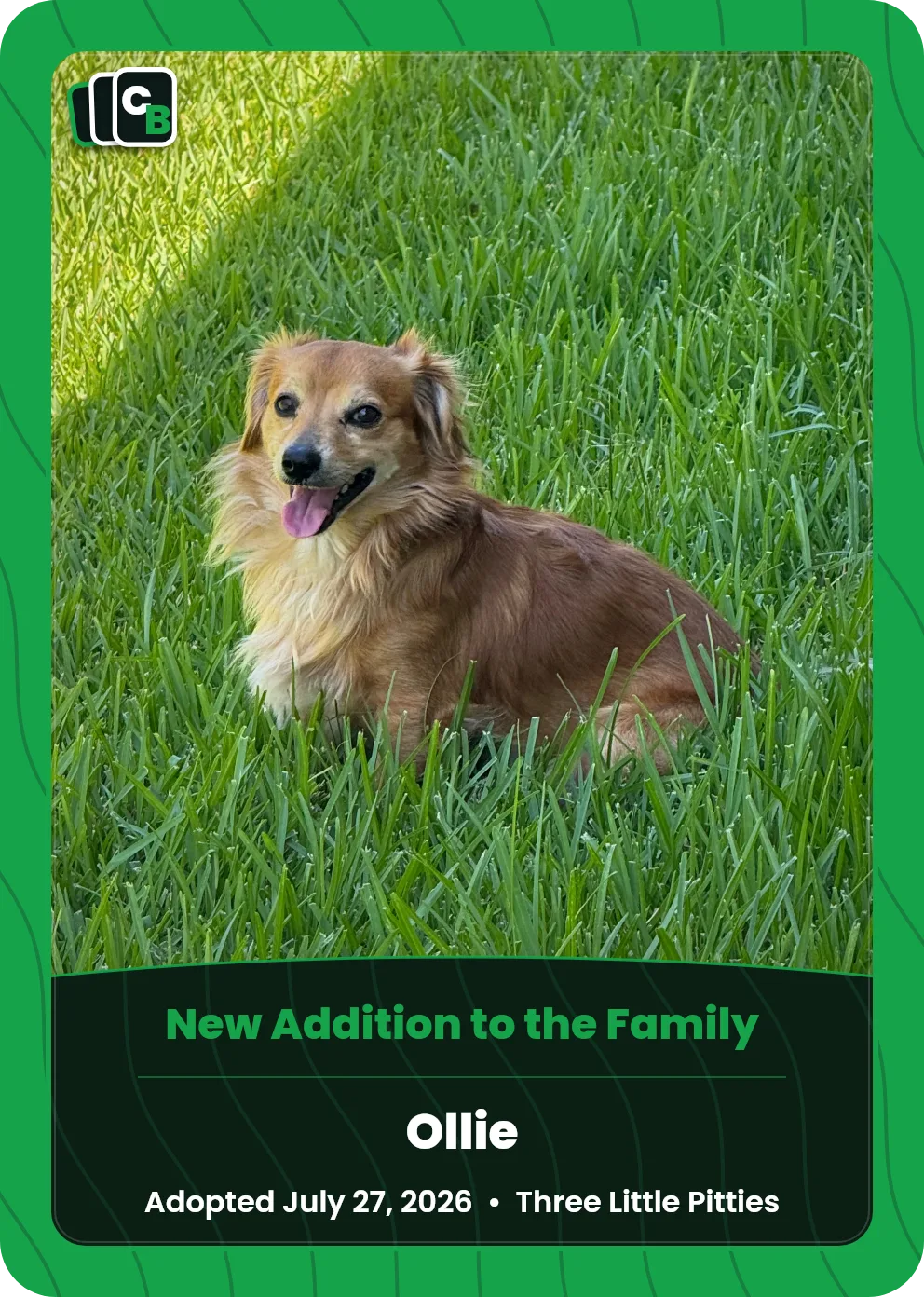
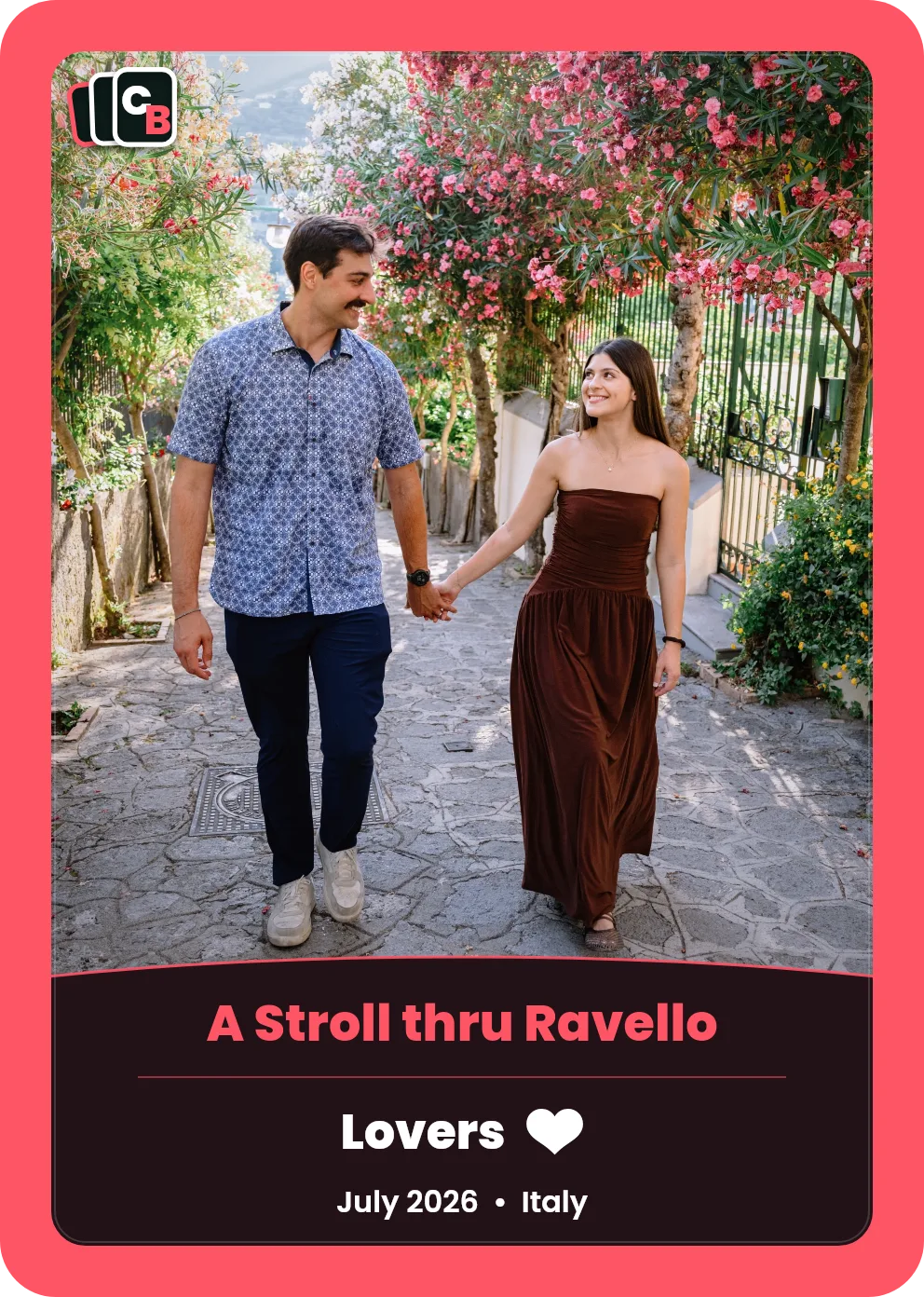
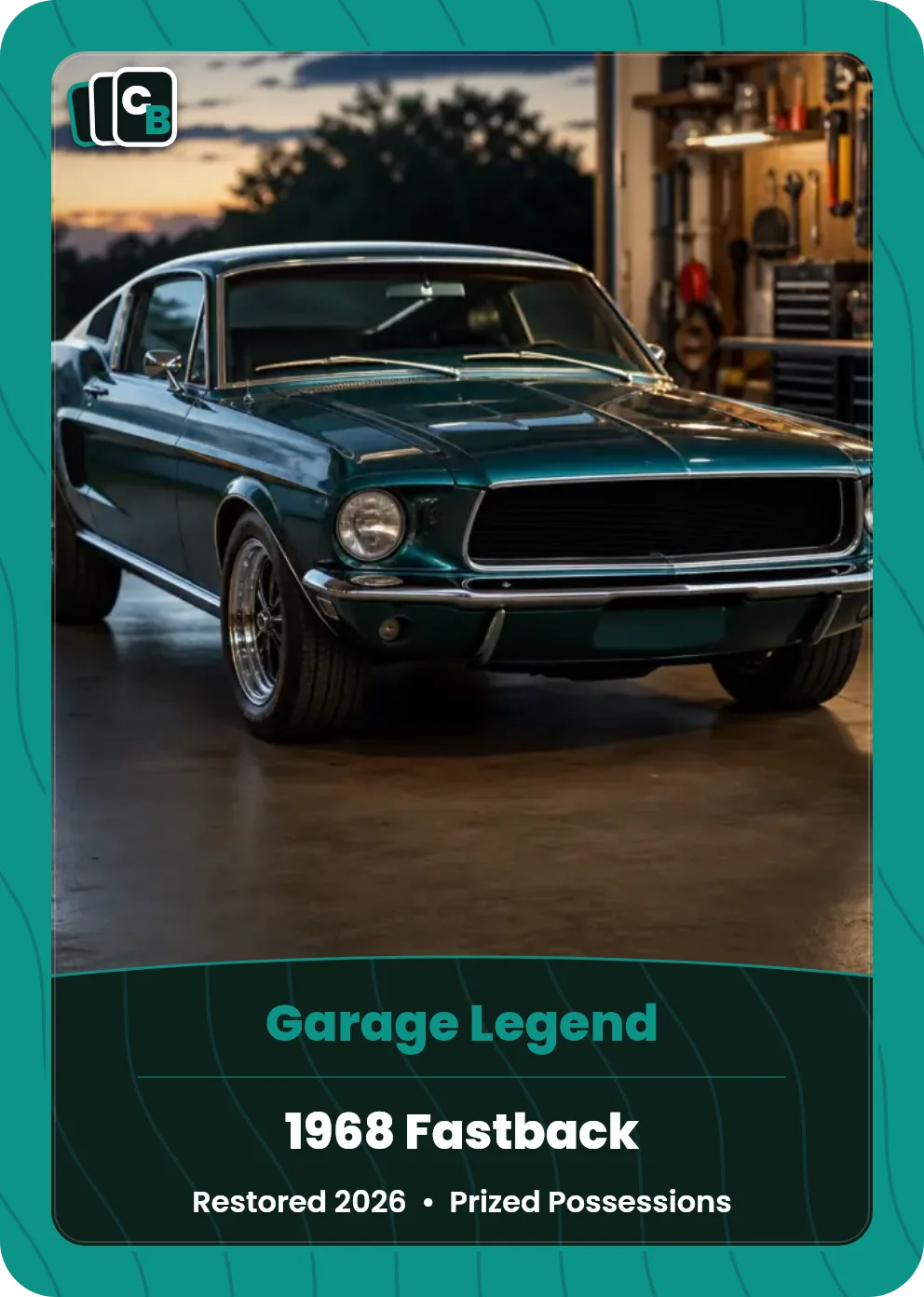
Each style sets up the right fields and layout — you just add your photo and details.


Maker, template, or design software?
All three can produce a card. They differ in how much of the work lands on you.
| Approach | You handle | You end up with | Best when |
|---|---|---|---|
| This maker | A photo and the details | A printed custom card, with an optional sealed display format | You want the object, not a file |
| A blank template | Layout, type, bleed, printing, cutting | A file, then whatever your printer gives you | You design already and want full control |
| Design software | Everything, from a blank canvas | Exactly what you build | The design itself is the point |
If you would rather build the file yourself, the card size and print specs guide has the trim, bleed, and resolution numbers you need — no sign-up.
What goes on a custom card?
The front carries the photo, a name or title, and up to three label lines — team, season, jersey number, place, date, whatever the style calls for. The back takes a short message you write yourself, plus the card's number in its set. Every field is optional, so a card can be as sparse or as detailed as you like.
Stuck on wording? The stat ideas and back-message guides have examples by category.
Can you make cards for a whole team?
Yes — that is what the Card Pack is for. It holds 10 cards, and each one can be a different person, photo, and set of details, so a roster, a family, or a trip crew all fit in a single pack. Share one link and each family orders their own copies, so nobody has to collect money at the field.
Photo → card
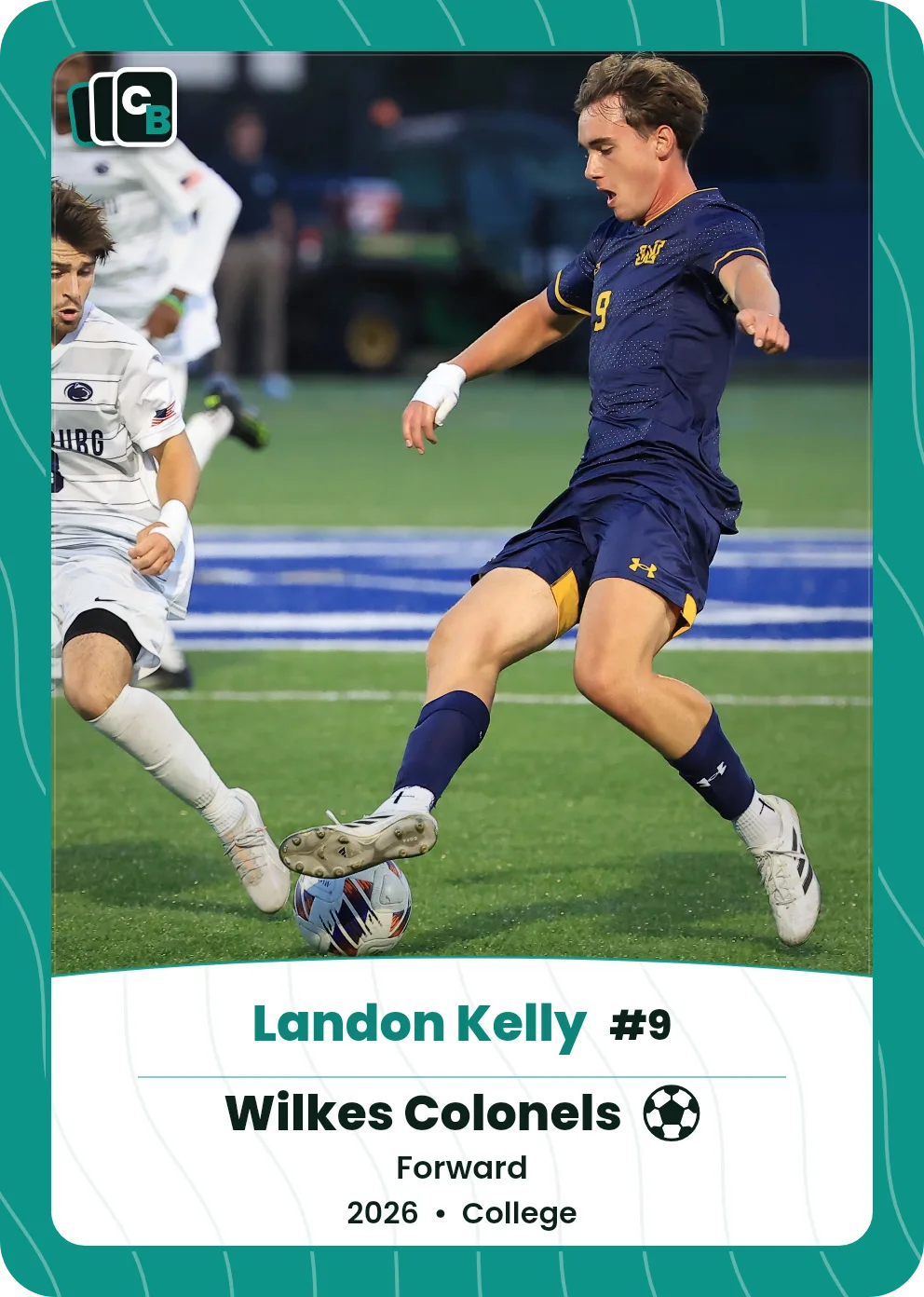
A real game photo. A card for the season.
The same real photo appears in the card beside it. Add your own photo, details and message, then see your preview before ordering.
Free to design · No account needed to start · Preview before ordering.
Source photo

Card preview
Free to design — pay only if you love it
No design skills needed
Live preview of the front, back, and case
16 card styles
Personalized card, sealed in a display case
From $29.99 · Personalized in minutes
Frequently asked questions
Is the trading card maker free?+
Yes — designing, uploading a photo, and previewing the front, back, and case are all free, with no account needed to start. You pay only if you order: a Display Card is $29.99 and a 10-card Card Pack is $49.99.
How do you make a trading card online?+
Pick a style, upload a photo from your phone or computer, fill in the name and details, and write a message for the back. The card renders live as you type, so you see exactly what you are ordering before you decide.
Do I need design software or skills?+
No. The maker sets the layout, typography, trim, bleed, and print resolution for you. There is nothing to download and no template file to open — it runs in your browser.
How is this different from a downloadable card template?+
A template gives you a blank file to design and print yourself. This makes the finished card: it handles the layout, prints it properly, gives it a card number, and can seal it in a display case. You are not left with a file to figure out.
Can I upload my own photo?+
Yes — a phone photo is fine. You reposition and zoom it inside the live preview. Portrait shots frame most naturally, and clearer originals print better than heavily cropped ones.
What can I make cards for?+
There are 16 styles: Original, Full Photo, TCG, Sports, Prized Possessions, Trips, Relationships, Pets, Milestones, Greek Life, Races, Professional, Holidays, Family, Service, and Outdoors.
Can I design a sports card from my own photo?+
Yes. Choose the Sports style, upload a photo, and add the player name, team, season, stats, and a message on the back. The front and back update in the live preview.
Can I make cards for a whole team?+
Yes. A Card Pack holds 10 cards, each with its own photo, person, and details, and it shares from a single link so every family can order their own copies. The current Pack builder applies the selected card style across the Pack.
What size are the finished cards?+
Standard trading card size, 2.5 by 3.5 inches, so they fit ordinary sleeves, toploaders, and binder pages. Trim, bleed, and print resolution are handled for you.
Can I save a card and come back later?+
Yes, with an account — that is what ties a saved card to you. Without one you can still design, preview, and order in a single sitting.
Ready to make one?
More: free trading card maker · custom card maker · make your own · card templates · custom trading cards · how to make one · gift ideas