Scan to relive it
A trading card with its own QR code
Every card we print carries a code of its own. Point a phone at the back and the card's own page opens: the story behind it, more photos, links, and a note you add after ordering. It's called a Living Card, and it goes further than the message on the back.
- A unique code per card
- Printed on the back
- Opens the story behind it
- Yours to fill, any time
- Free to design
- From $29.99
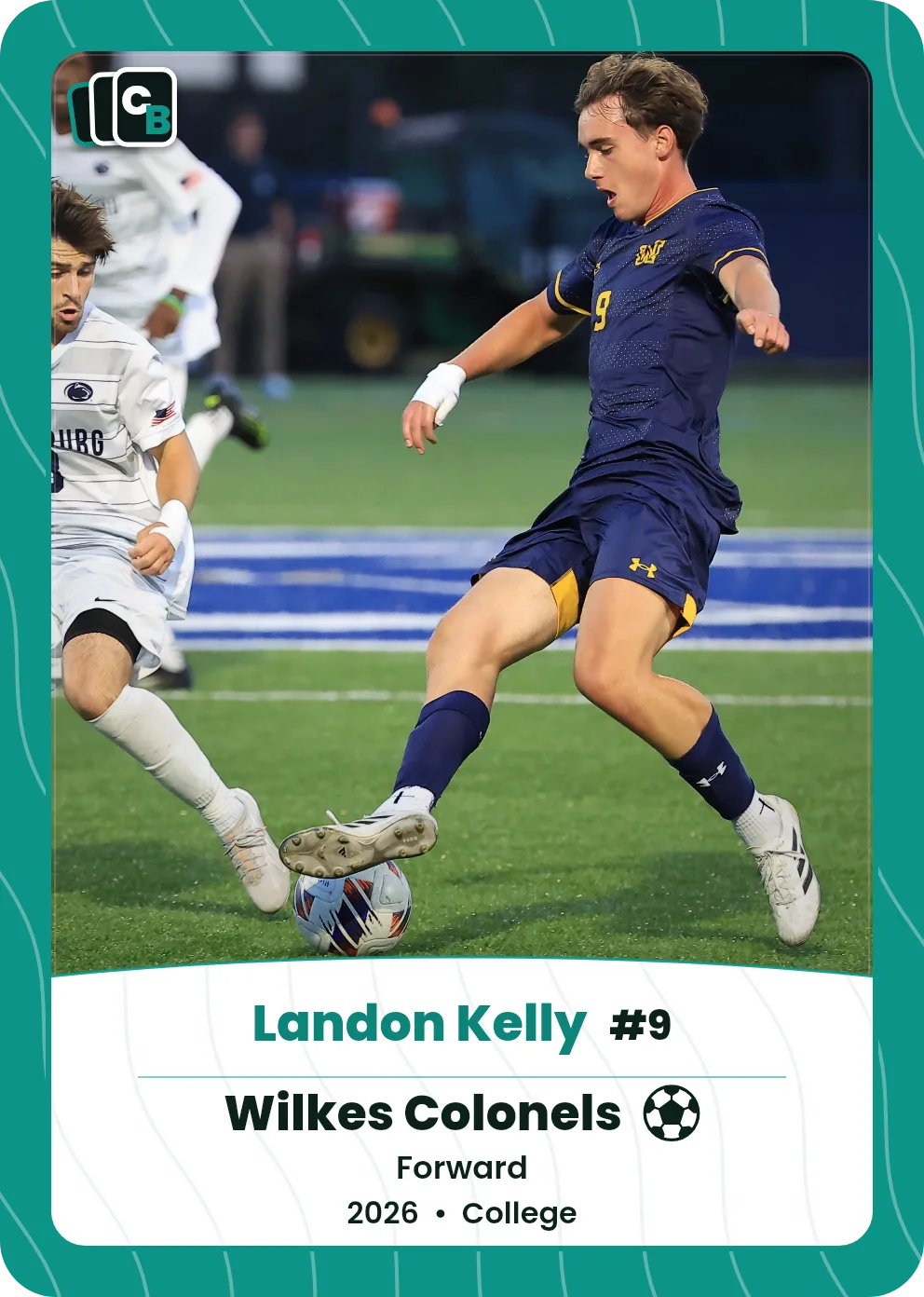
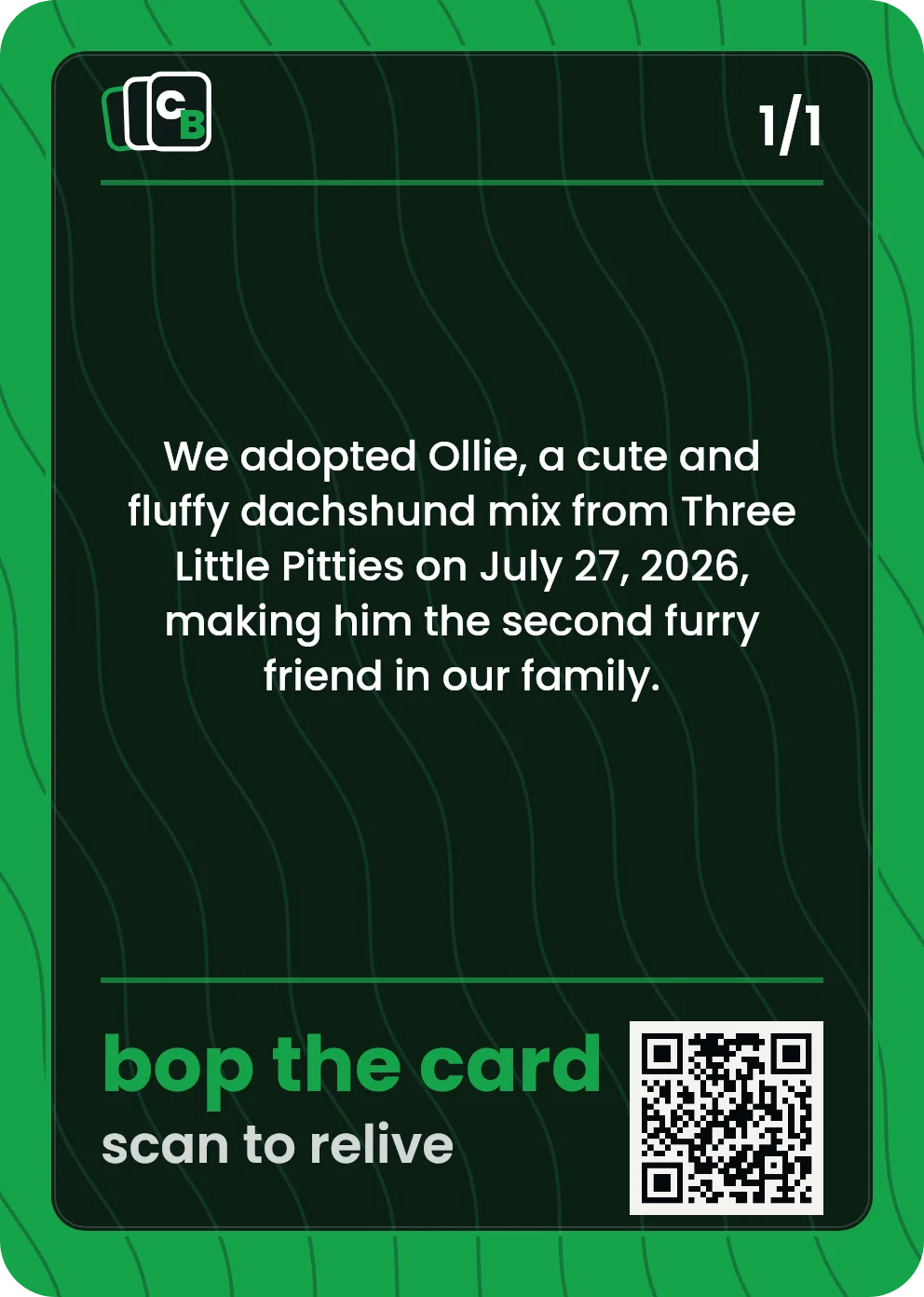
The short answer
A QR code trading card is a printed card with a scannable code on the back. On Cardbop, that code opens the card's own page, called a Living Card, where the owner adds the story behind the photo, more photos from that day, links, and a note for whoever gets it. Every card gets its own code at order time, so all 10 cards in a Pack scan to 10 different pages. Any phone camera reads it; no app and no account needed to scan.
What the code is actually for
One code per card, not per order
Every card gets its own — so all 10 cards in a Pack scan to 10 different pages.
Hand it to someone
They scan the back with their phone camera. No app, no account, nothing to install.
The story travels with the card
The printed code never changes, so the card on the shelf keeps opening the page as you add to it.
Grandparents love it
A card in the mail that opens a page of the grandkid when they point a phone at it.
What a scan opens
- The story. What happened, who was there, and why this one matters.
- More photos. The rest of the album from that day, with captions.
- A note for them. Something they only find when they scan it.
- Links. A highlight video, a playlist, the team page.
Only people with the card or its link can open the page, and the owner can make it private. The printed code never changes, so the page can be updated any time.
Ways people use it: a hidden note · the rest of the album · remembering someone · a thank-you for every table
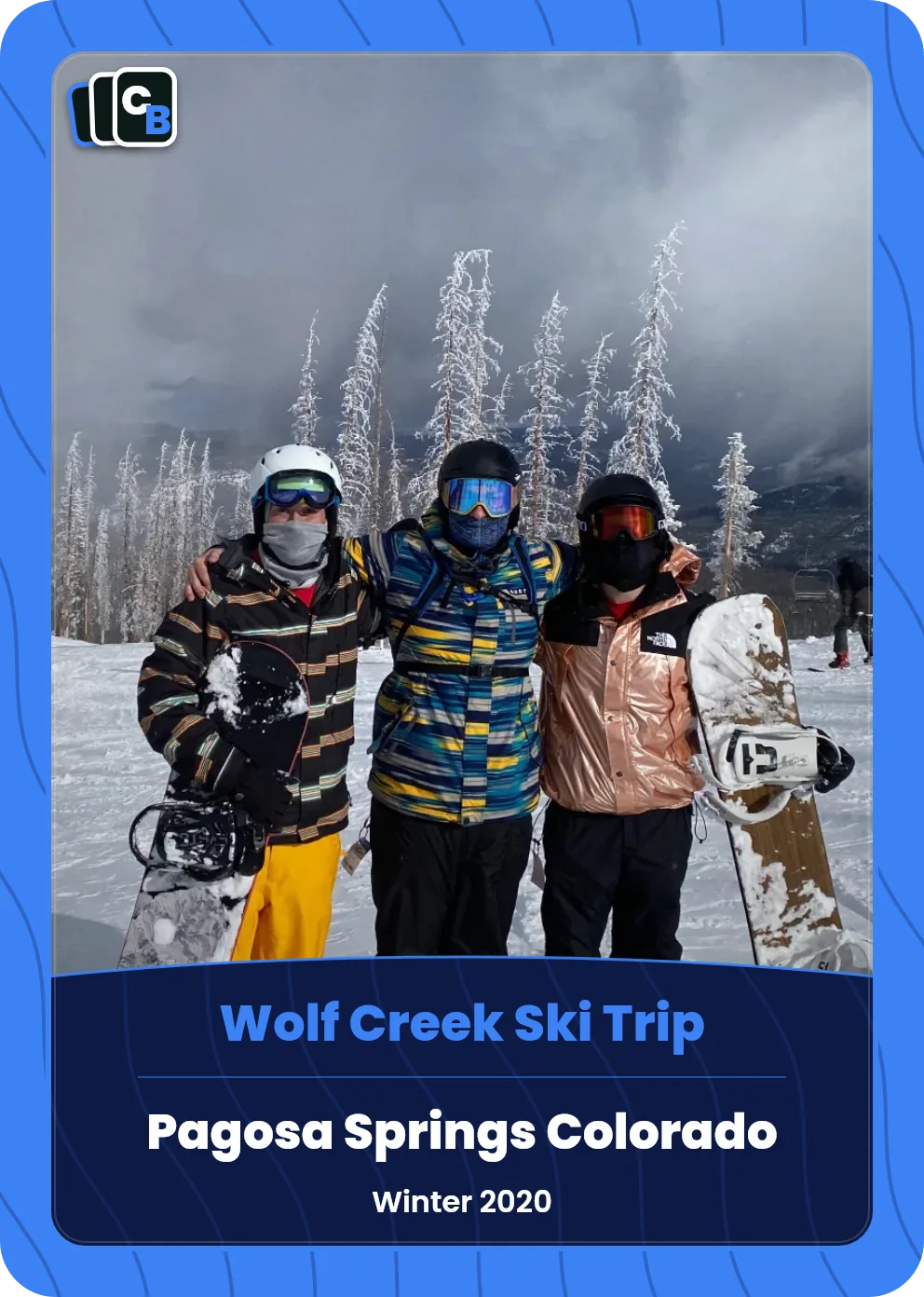
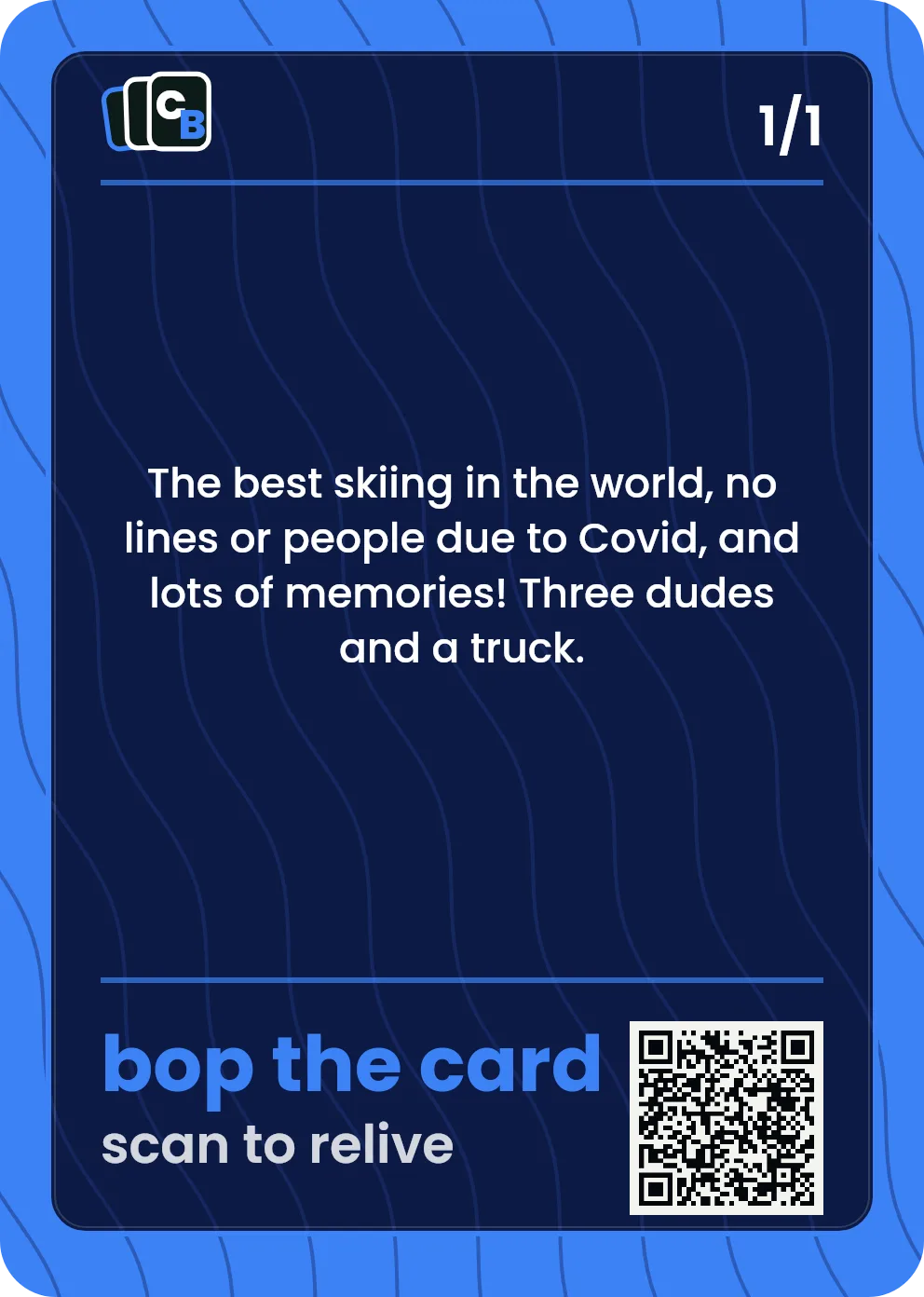
A real printed card, shown with its owner's permission. Its QR code opens the trip: the story and ten more photos.
How the code gets on your card
Design the card
Pick a style, add the photo and details, and write the message for the back.
Order it
A slabbed $29.99 Display Card, or a $49.99 Pack of 10.
Your codes are generated
Each card is assigned its own code and its own page when the order is placed.
Fill the page
After you order, open the card's page and sign in with the email you ordered with to add to it. Add the story, photos, links, and a note.
Note: the live preview shows a placeholder where the code goes. Your unique code is generated when you order, because it points at a page created for your specific card.
Free to design — pay only if you love it
A unique code on every card
A Living Card page, included with every card
No app needed to scan
Sealed in a display case
Single $29.99 / 10-card Pack $49.99
Frequently asked questions
What does the QR code on the card do?+
Every Cardbop card is a Living Card: the QR code printed on the back opens a page that belongs to that card. After you order, you can add the story behind it, more photos from that day, links (a highlight video, a playlist, a shared album), and a note the person who gets it finds when they scan it. Each card has its own code and page, so scanning one card never opens a different one.
Can I hide a note for the person who gets the card?+
Yes. Put it on the card's page instead of the printed back, and they'll find it when they scan the card. After you order, open the card's page and sign in with the email you ordered with to add to it.
Can I change what the code opens after the card is printed?+
Yes. The printed code never changes, so you can add, edit, or remove the story, photos, and links any time, and the same card opens the updated page.
Who can see the page?+
Only people with the card or its link can open the page, and the owner can make it private. The printed code never changes, so the page can be updated any time.
Can I add a video?+
You can link one from YouTube, Vimeo, or Hudl, and add playlists from Spotify or Apple Music. The page shows your links; it doesn't host video or audio files itself.
Does every card get its own code?+
Yes. The code is assigned per card, not per order, so all 10 cards in a Card Pack scan to 10 separate pages.
Do I need an app to scan it?+
No. Any modern phone camera reads it straight from the camera app. The person scanning doesn't need an account either.
Why doesn't the preview show a working code?+
The live preview shows a placeholder in the QR spot. Your unique code is generated when you order, because it has to point at a page that exists for your specific card.
How much does a QR trading card cost?+
The code and its page are included with every card. A single Display Card is $29.99 and a 10-card Pack is $49.99. Designing is free.
Can I put the code on a pet or gift card too?+
Yes — every Cardbop card gets one regardless of style, so a pet card, a couple's card, or a car card all scan the same way.