Community projects
Tell a community garden’s season in cards
Give planting, care, harvest and the people behind the work a card or caption of their own. Choose a photo or drawing for each stage and write a detail only someone there would know. Share copies at a closing gathering or place a small display near your sign-in table.
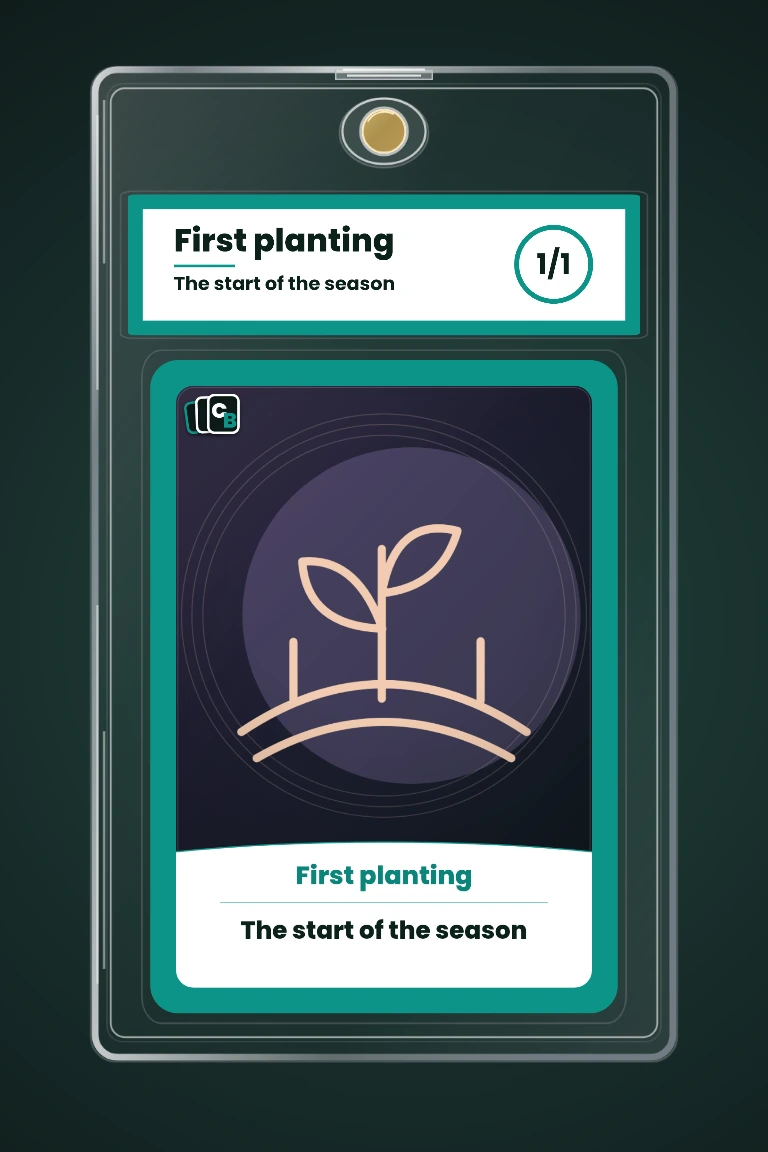
Cased Display Card
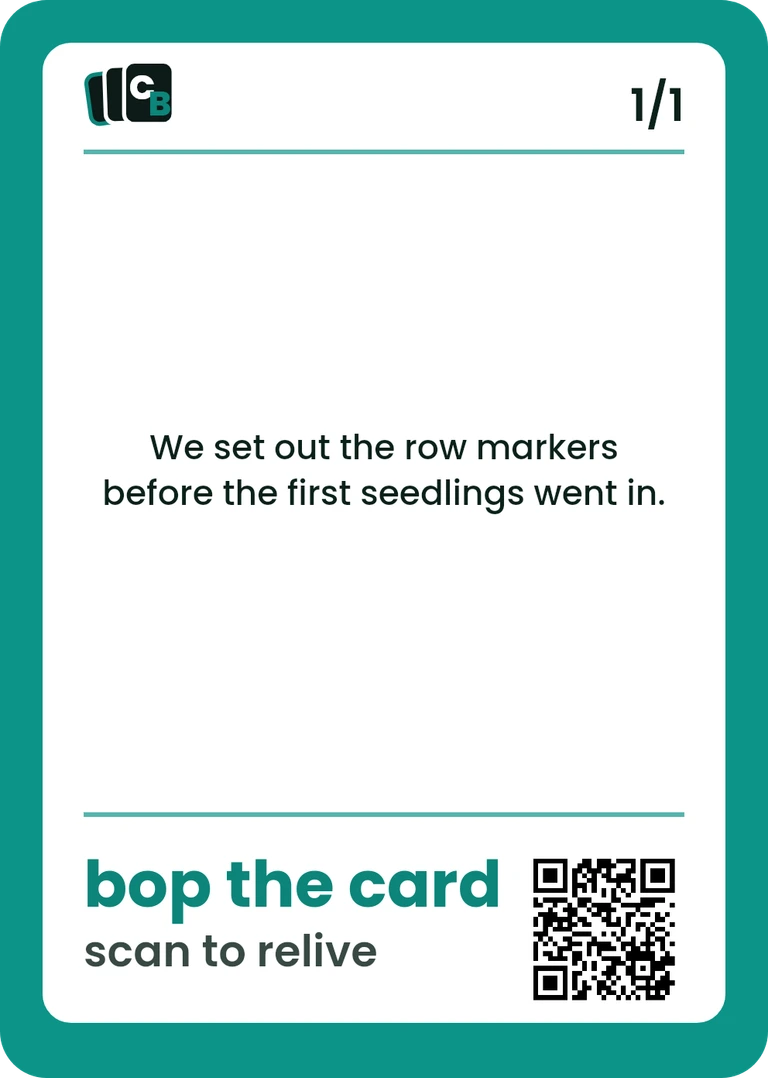
Sample card back
A Cardbop Display Card is one custom card sealed in a clear display case with a personalized label.
Free to design · No account needed to start · Preview before ordering.
Try it with your own material
Cover more than the harvest
Save an image from planting, one from an ordinary workday and one from harvest. A season can also include a repair, a missed planting or a lesson that changed the next plan.
Credit the contribution
Ask volunteers who want to be named and how. Keep growing claims limited to what the garden observed. One sentence about who filled water cans can be as useful as a photo of the crop.
Set up a small display
Choose one card per stage, add a simple invitation to leave a note and decide which cards may go home with visitors. Check the intended permissions for photos or public access before sharing.
Open the free printable worksheet Use your browser’s print option to keep a copy.
See the finished examples
First planting
The start of the season
We set out the row markers before the first seedlings went in.
View back of First planting
Water round
A regular workday
Someone filled the cans before everyone else arrived.
View back of Water round
A shared harvest
One afternoon
We set a crate by the gate and let people choose what to take.
View back of A shared harvest
Bring it forward
What we learned
We saved the notes for whoever opens the gate next spring.
View back of Bring it forward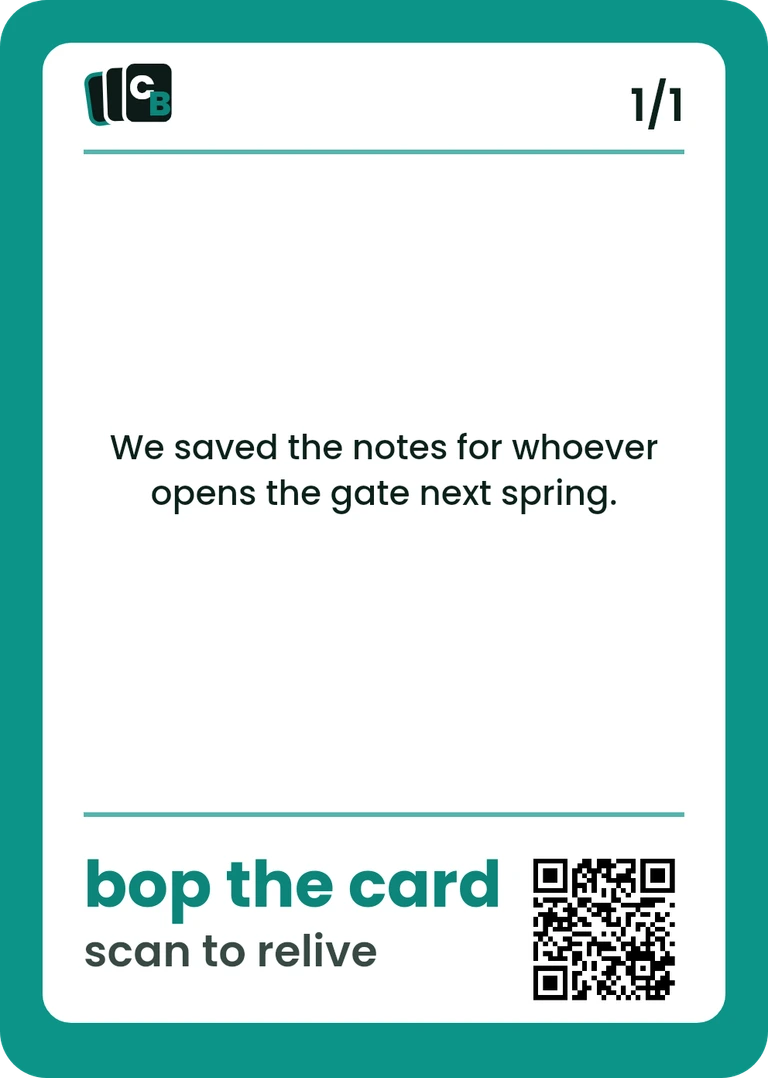
Frequently asked questions
What if the garden had a difficult season?+
Record what people did and what changed. A smaller harvest, a broken hose or a useful adjustment can all tell an accurate piece of the story.
Try a card with your own details
Use the worksheet or one of the examples above to plan your wording, then add your own permitted image and check both sides in the preview.
Free to design · No account needed to start · Preview before ordering.