From your photo
Turn any photo into a real trading card
One photo is all it takes. Upload it, frame it in the live preview, add a name — and it's a personalized card. A phone photo works, and no editing skills are needed.
- One photo → one card
- Phone photos work
- Crop & zoom live
- Numbered in your set
- From $29.99
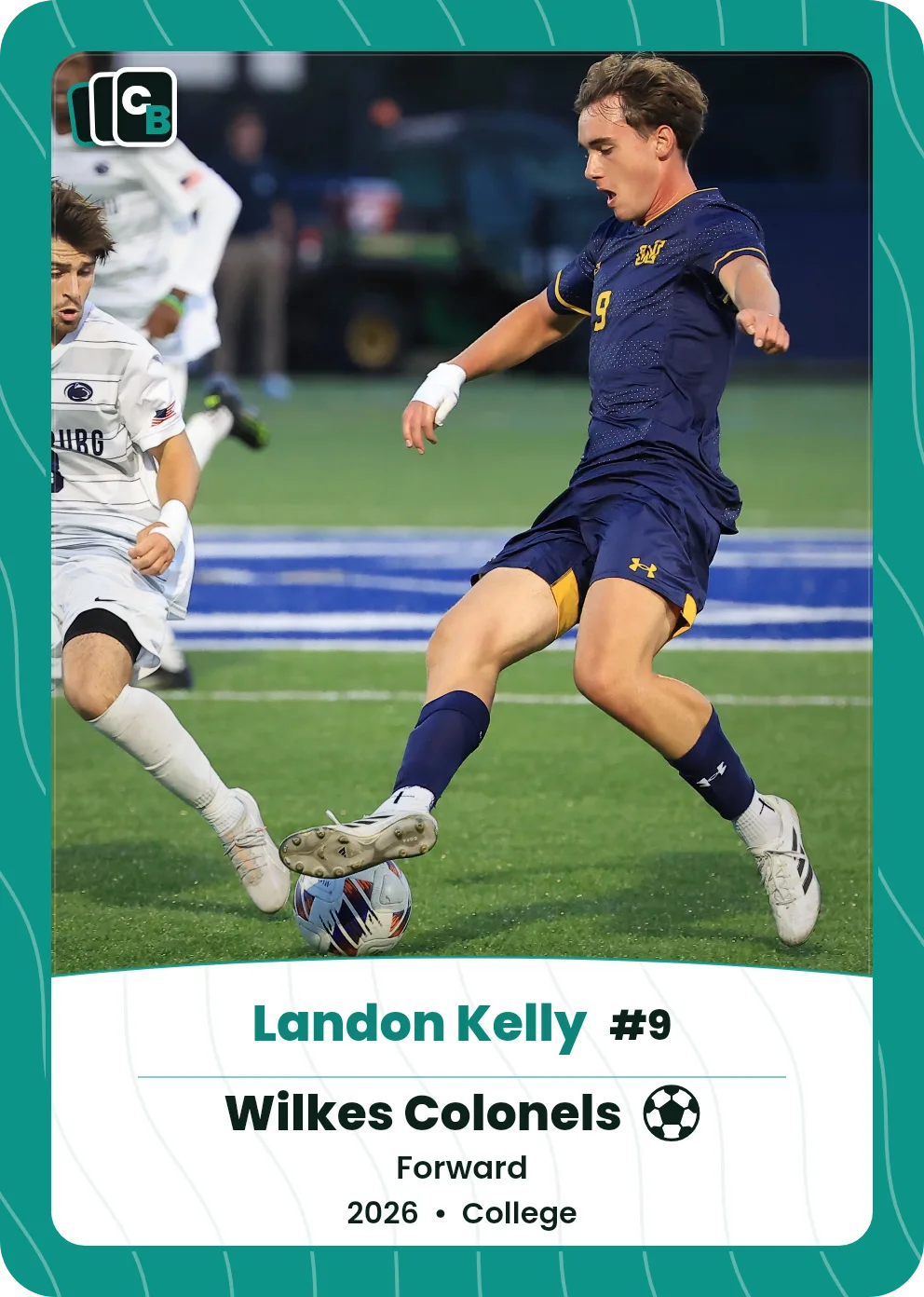
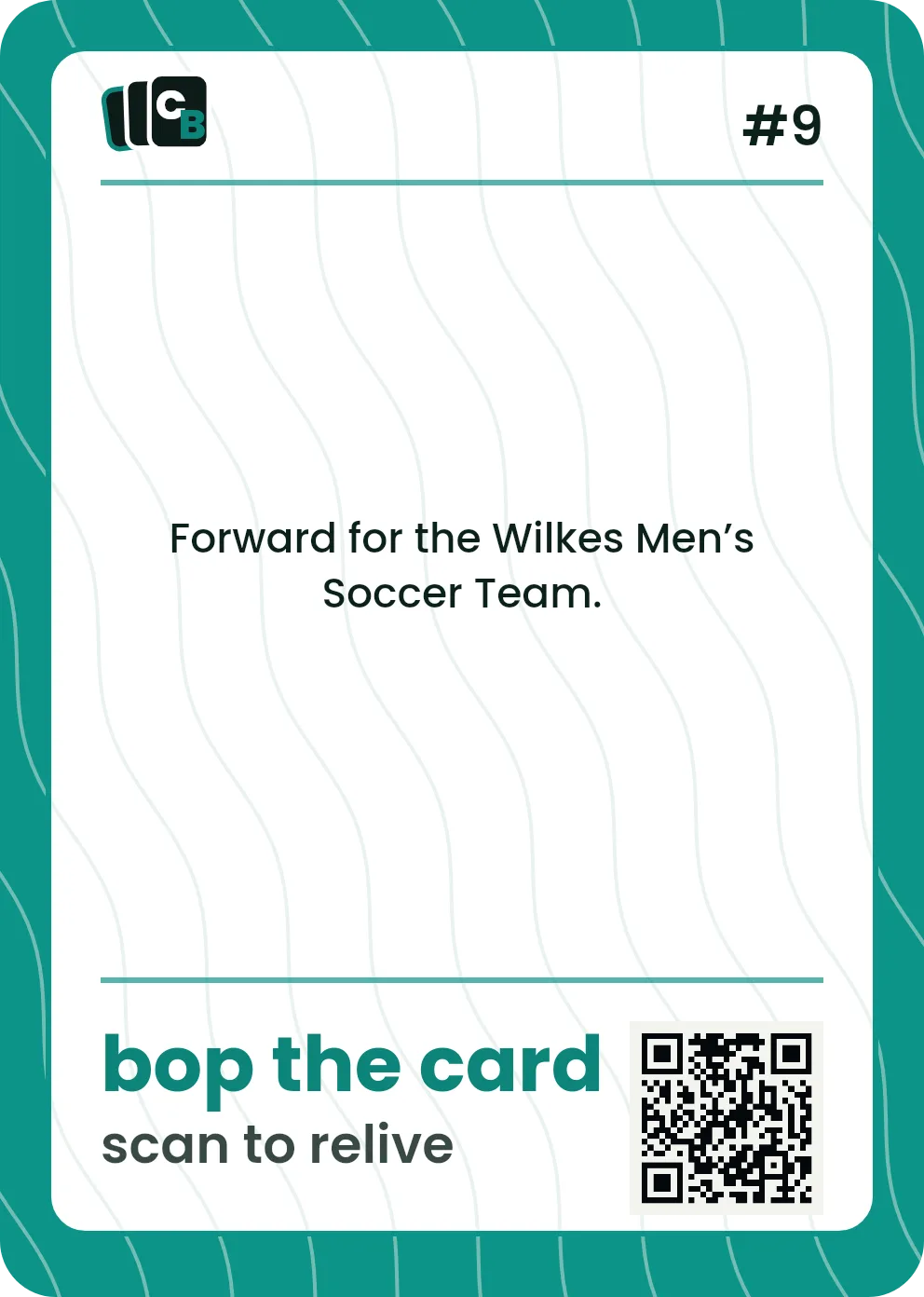
Swipe or drag horizontally, click the card, use the Front and Back buttons, or press the left and right arrow keys to change sides.
The short answer
To make a custom card from a photo, upload the photo, frame it in the live preview, add a name and details, and order. Cardbop turns any photo — a phone shot, a portrait, even an old scan — into a personalized trading card. No photo-editing skills needed. Designing is free; order a $29.99 Display Card or a $49.99 Pack of 10. This page is about starting from a photo — the trading card maker covers the styles and fields in full.
Your photo does the work
Any photo works
A game shot, a portrait, a candid, an old scan — if you love the photo, it can be a card.
A phone photo is plenty
Modern phone photos have all the resolution a printed card needs.
Crop it right in the preview
Reposition and zoom the photo live so your subject is framed perfectly.
The photo stays the star
The card style frames your photo — it never covers it up.
From photo to card in four steps
Upload your photo
Pick the one photo you want on the card.
Frame it live
Reposition and zoom until your subject is centered and sharp.
Add a name & details
A name, a title, and a message on the back to finish it.
Order the card
A slabbed $29.99 Display Card, or a $49.99 Pack of 10.
More: photo tips · photo trading cards · before-and-after examples · custom trading cards
Free to design — pay only if you love it
Any photo — even a phone shot
Crop & zoom in the live preview
No editing skills needed
Numbered in your set
Display Card $29.99 / 10-card Pack $49.99
Frequently asked questions
Can I make a custom card from a photo?+
Yes — upload any photo and Cardbop turns it into a personalized trading card. You frame the photo in a live preview, add a name and details, and order. No photo-editing skills needed.
What kind of photo works best?+
A clear, well-lit photo that fills the frame with your subject. A recent phone photo is plenty. You can reposition and zoom it in the preview to crop it to the card.
Do I need to edit or crop the photo first?+
No — upload the full photo and crop it inside the live preview. There's nothing to edit beforehand.
Can I use an old or scanned photo?+
Yes — as long as it's reasonably clear, an old or scanned photo works. Higher resolution prints crisper.
How much does a card from a photo cost?+
$29.99 for one Display Card and $49.99 for a 10-card Card Pack. Designing is free, and you can personalize one in minutes.
Got a photo you love? Make the card.
More: personalized photo cards · trading card maker · see photo transformations