Wedding projects
A wedding welcome game with trading cards
Give each guest a small prompt and invite them to find someone with a shared interest or connection. Keep the game to ten minutes, allow people to pass, and use favorite places or activities instead of personal facts a guest might not want shared.
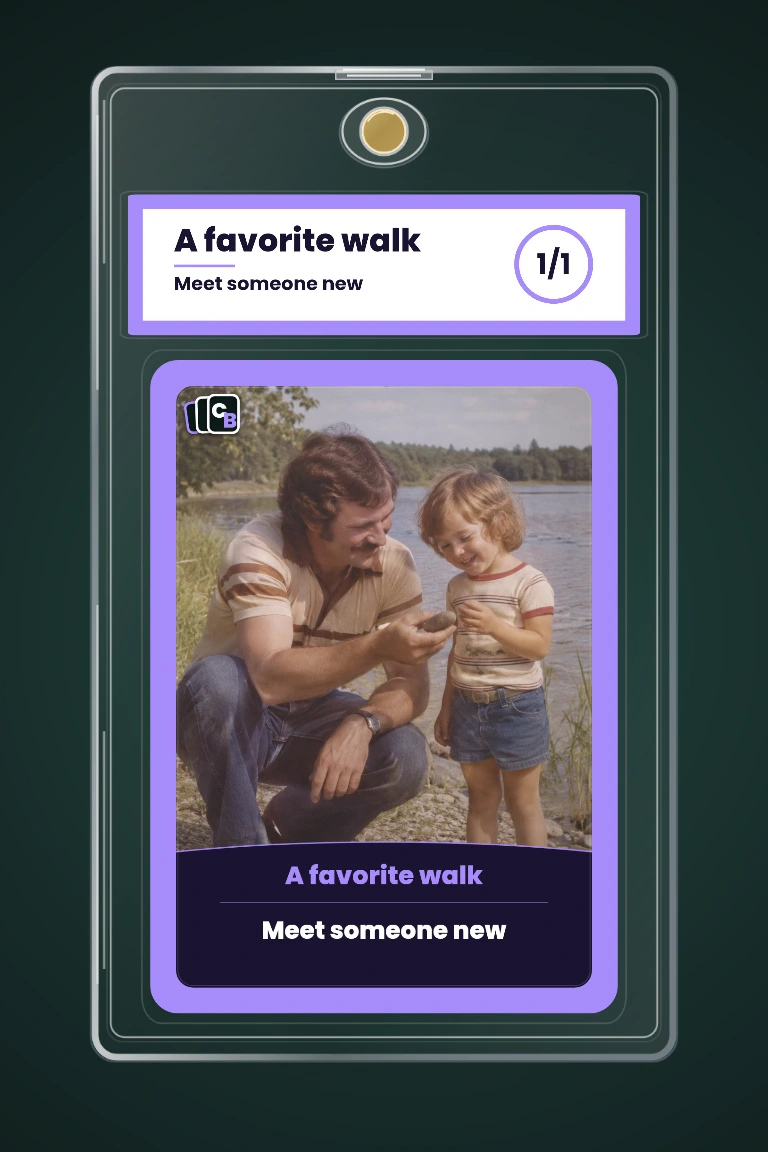
Cased Display Card
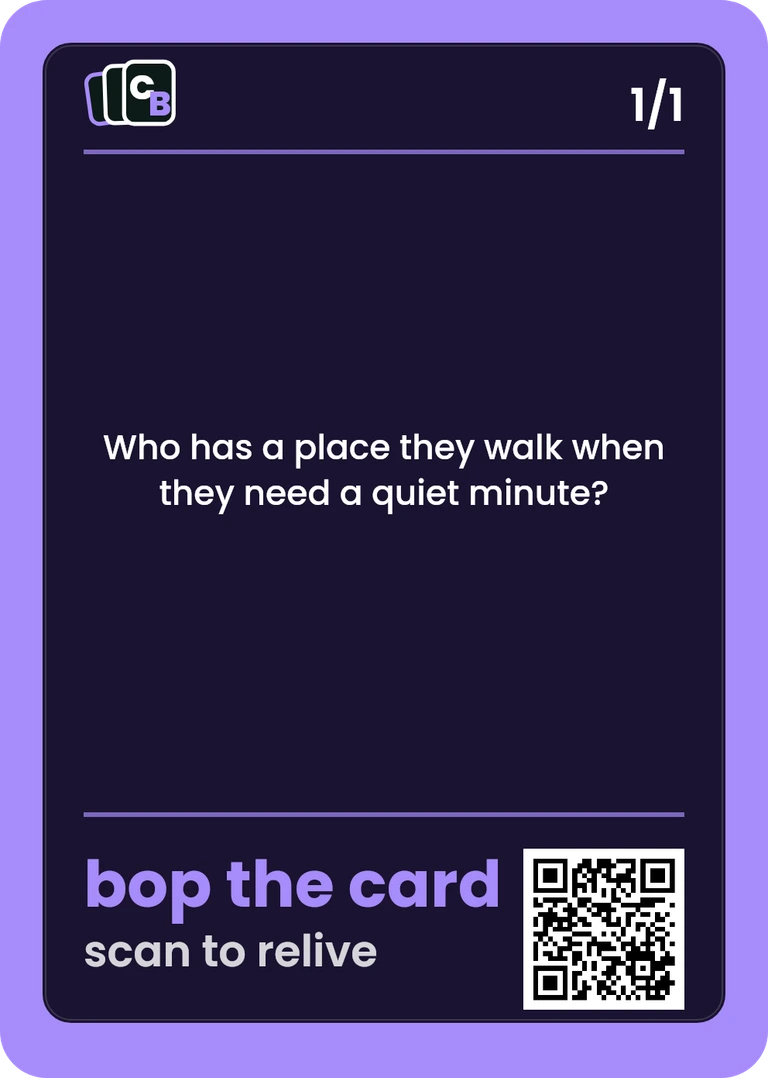
Sample card back
A Cardbop Display Card is one custom card sealed in a clear display case with a personalized label.
Free to design · No account needed to start · Preview before ordering.
Try it with your own material
Choose three easy prompts
Try a favorite place to walk, a food someone taught you to make, or a song you remember from a trip. Avoid prompts that require someone to explain a private history.
Give the host simple words
Try: Take one card, find a person who could answer it, and swap stories if you like. After eight minutes, thank everyone and let them keep the cards.
Plan copies and a paper option
For 40 participants using four prompts, start with ten of each. Test how you’ll hand them out at the door. A paper stack works as well as a printed keepsake for running the game.
Open the free printable worksheet Use your browser’s print option to keep a copy.
See the finished examples
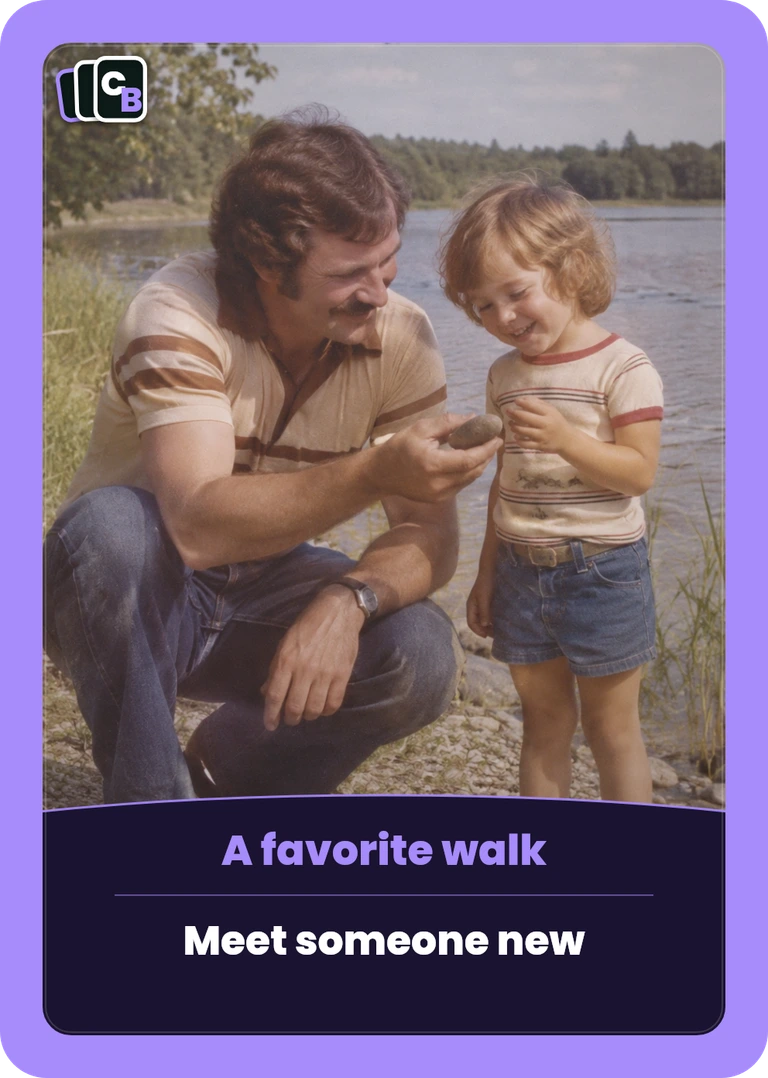
A favorite walk
Meet someone new
Who has a place they walk when they need a quiet minute?
View back of A favorite walk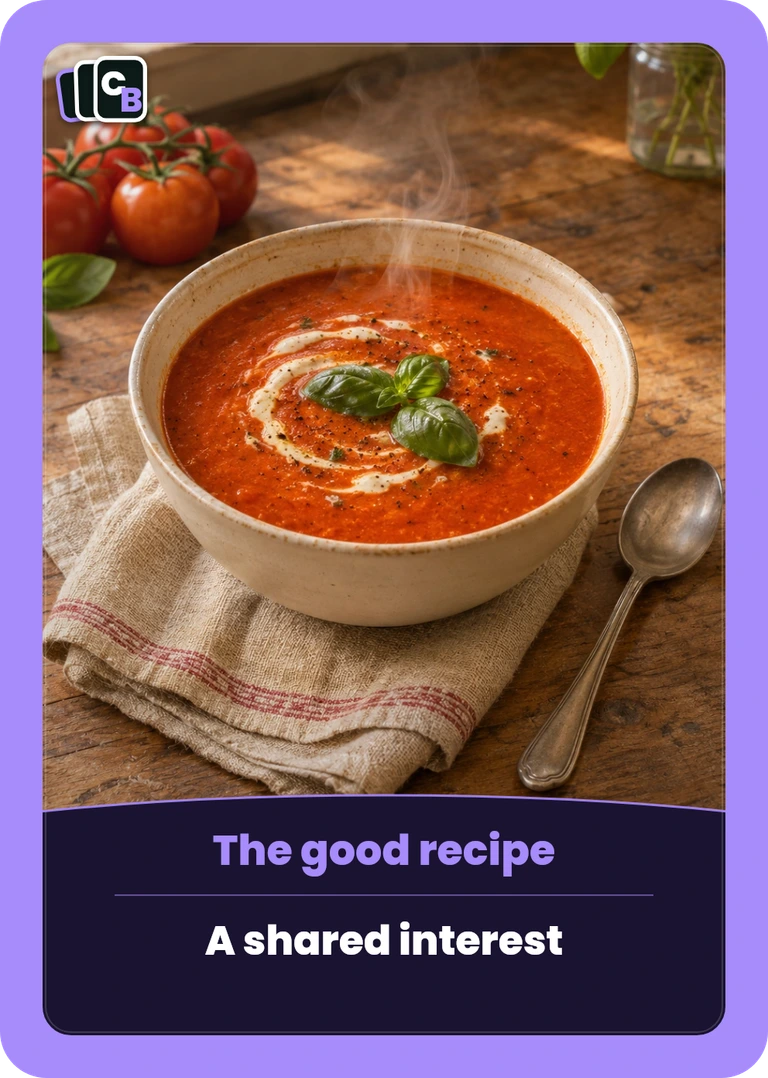
The good recipe
A shared interest
What is one dish a friend or family member taught you to make?
View back of The good recipe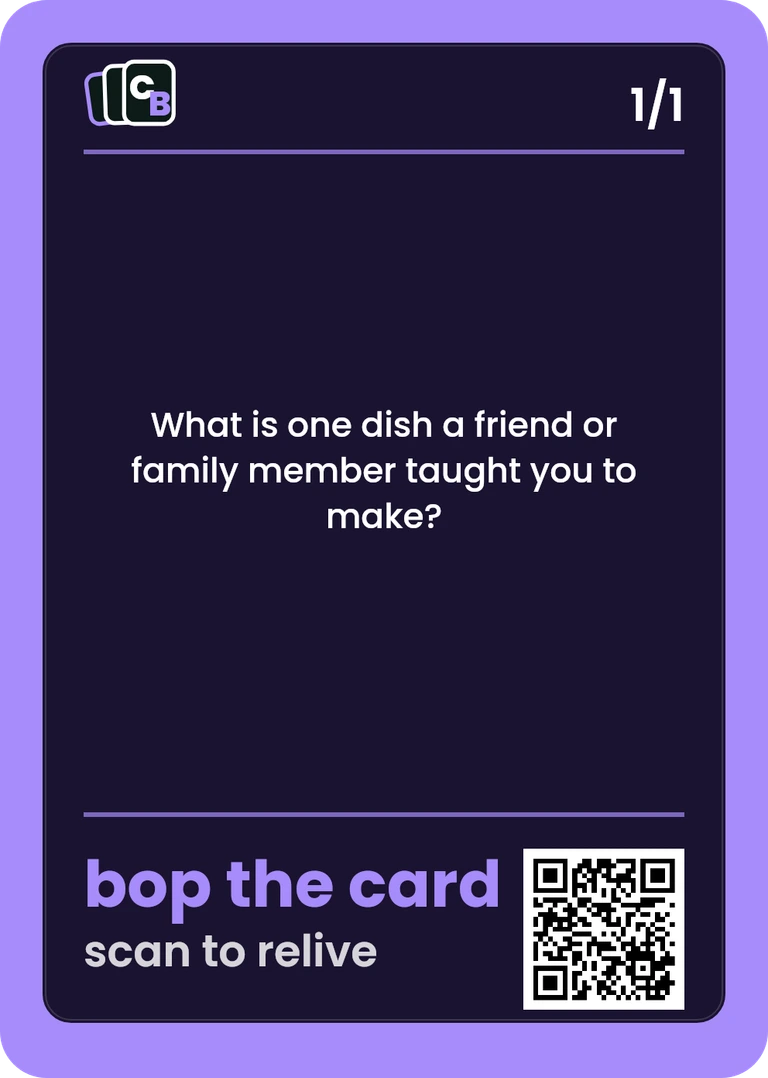
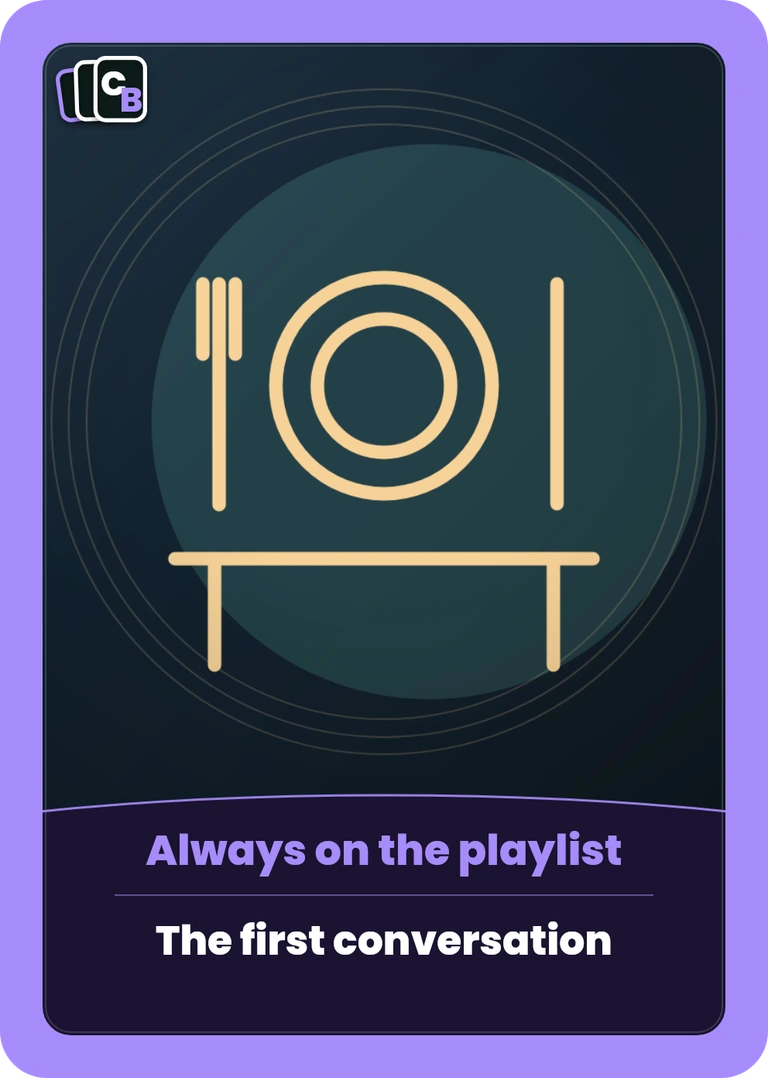
Always on the playlist
The first conversation
What song takes you back to one trip?
View back of Always on the playlist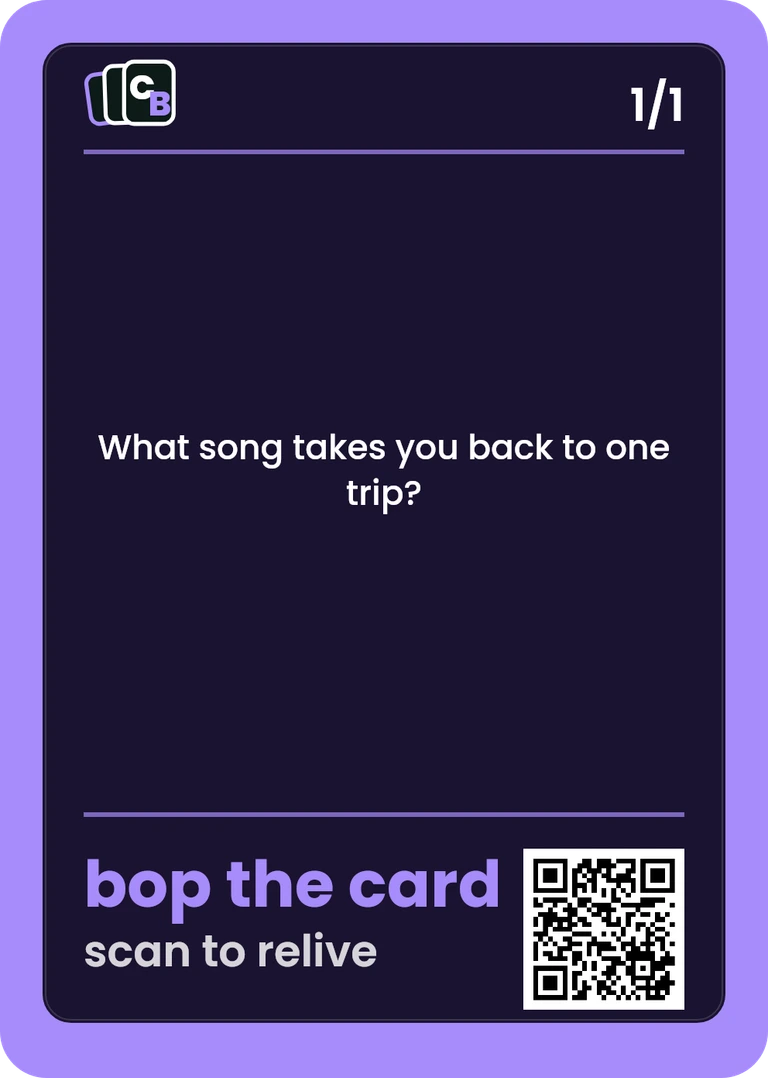
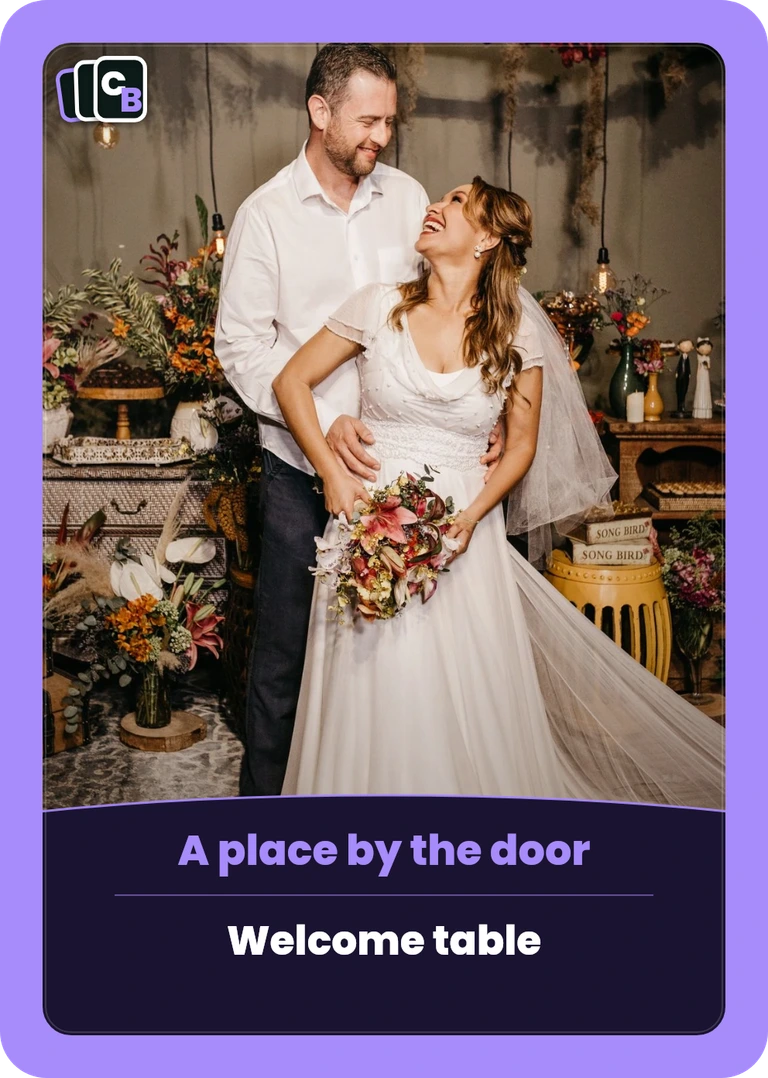
A place by the door
Welcome table
Take a card. Swap a story if you’d like to.
View back of A place by the door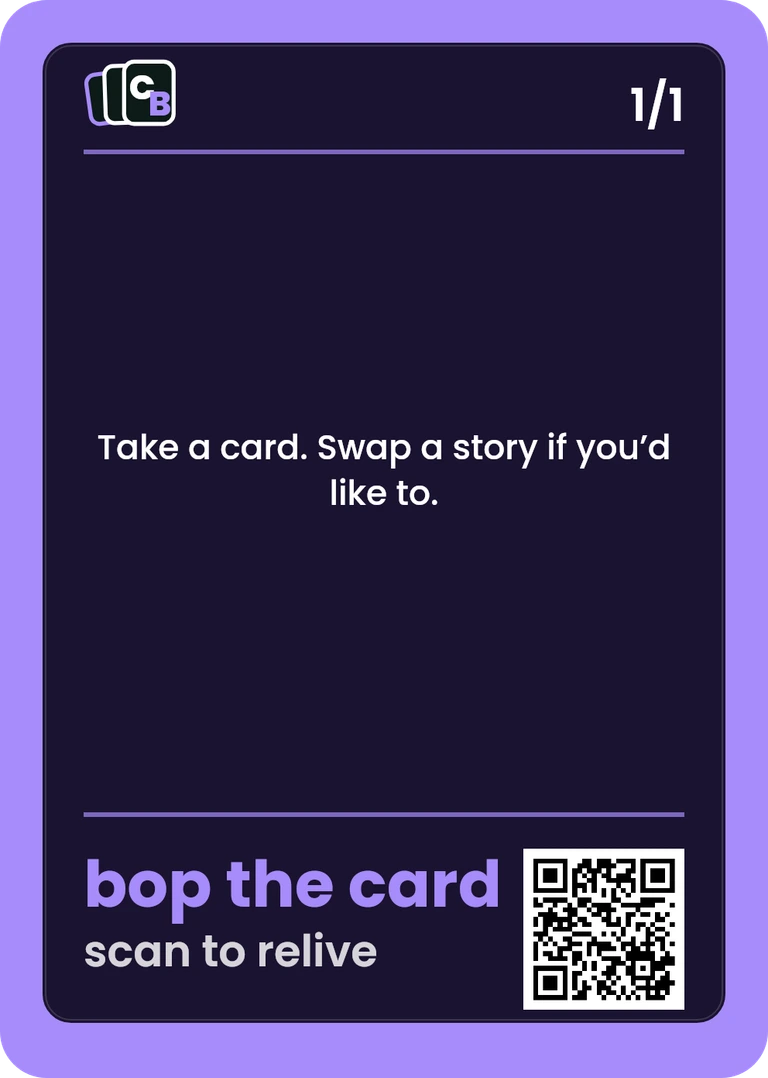
Frequently asked questions
Do I need portraits of all the guests?+
No. Use a place, object or original illustration. Guests can decide how much they want to say when they meet.
Try a card with your own details
Use the worksheet or one of the examples above to plan your wording, then add your own permitted image and check both sides in the preview.
Free to design · No account needed to start · Preview before ordering.