Team reunions
A then-and-now display for a team reunion
Pair an older photo with a newer photo of the same spot, ritual or object. Let both captions tell what is known and name the change in one short line. An approximate year is enough if the display explains why it is approximate.
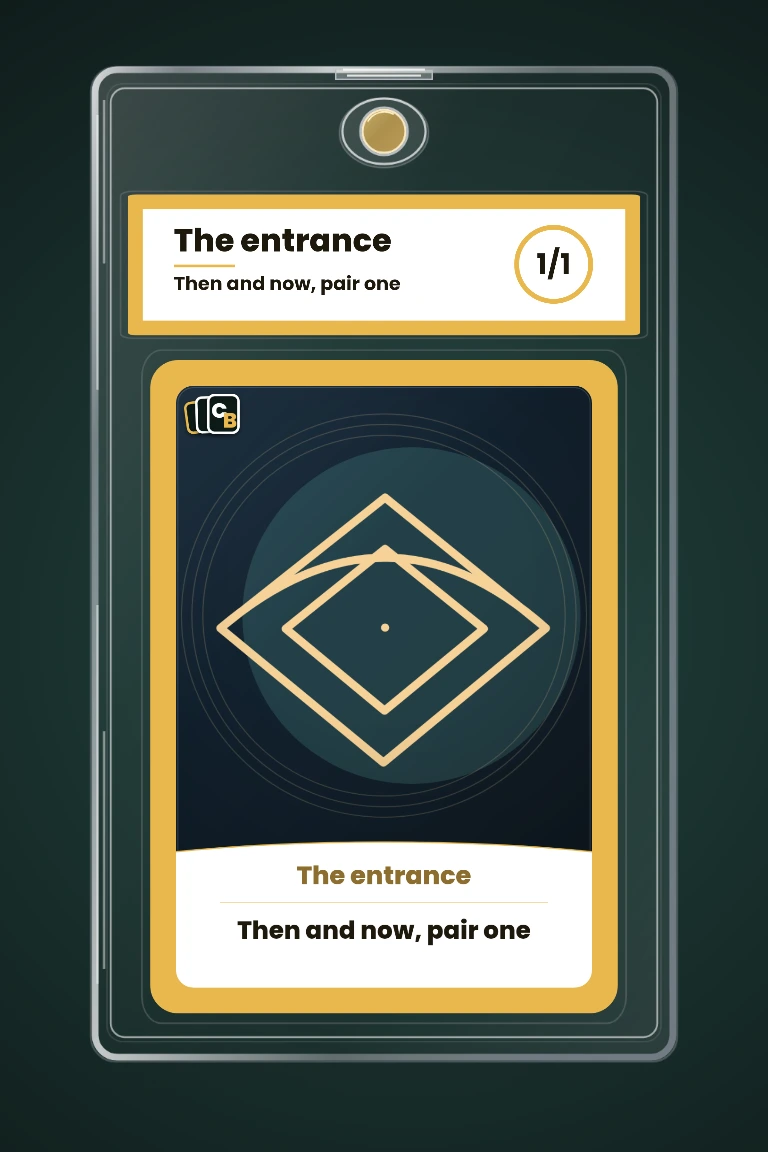
Cased Display Card
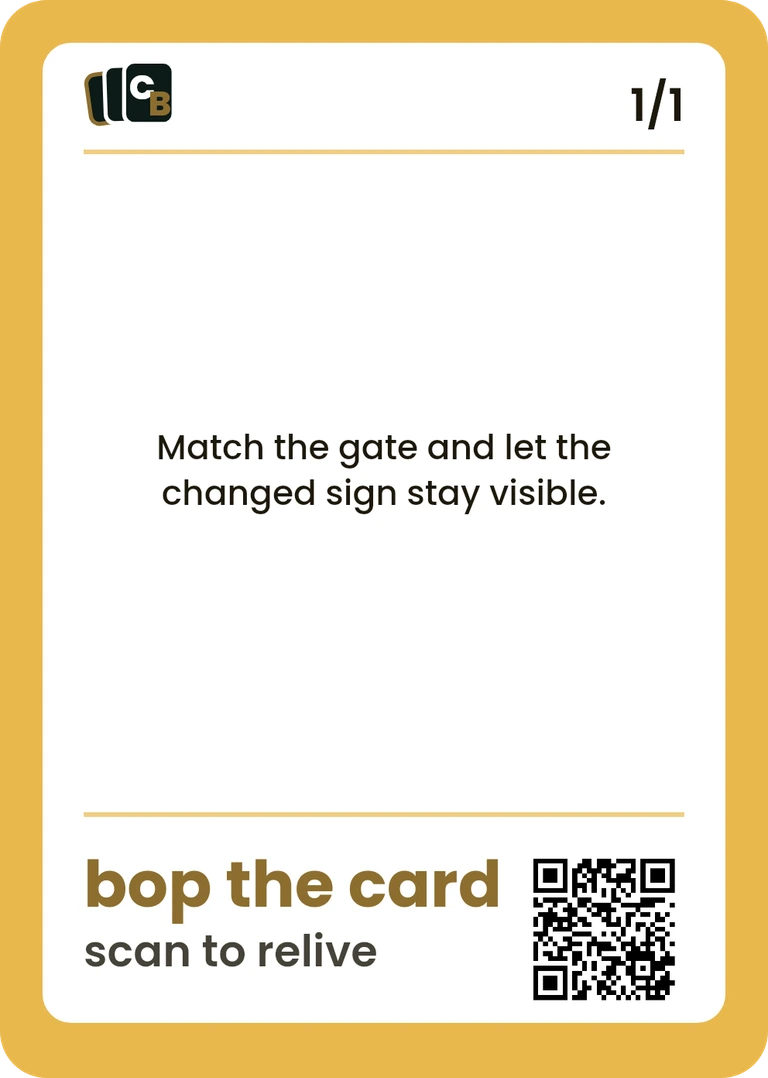
Sample card back
A Cardbop Display Card is one custom card sealed in a clear display case with a personalized label.
Free to design · No account needed to start · Preview before ordering.
Try it with your own material
Choose four comparison points
Try a field entrance, a bench, a team photograph or an equipment bag. Pick one detail in each older view that someone could still find. Where a building has moved, use a routine or object instead.
Match and label the images
Show the original view and the new one side by side. Where perspective differs, use a caption so people can find the matching detail. Ask before reproducing team or yearbook photos.
Give visitors a place to help
Leave a prompt near the pairs: Do you remember where this was? Let visitors suggest a date or name. Keep those suggestions in a separate record until you can check them.
Open the free printable worksheet Use your browser’s print option to keep a copy.
See the finished examples
The entrance
Then and now, pair one
Match the gate and let the changed sign stay visible.
View back of The entrance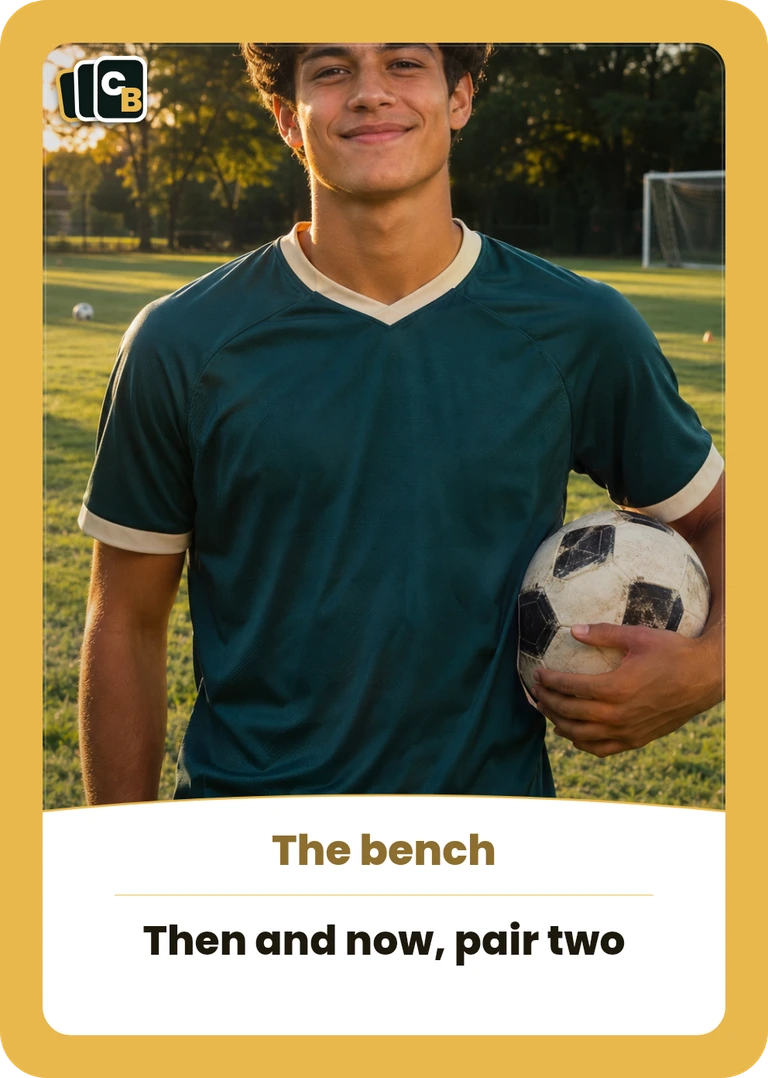
The bench
Then and now, pair two
Two photos, one remembered routine before the game.
View back of The bench
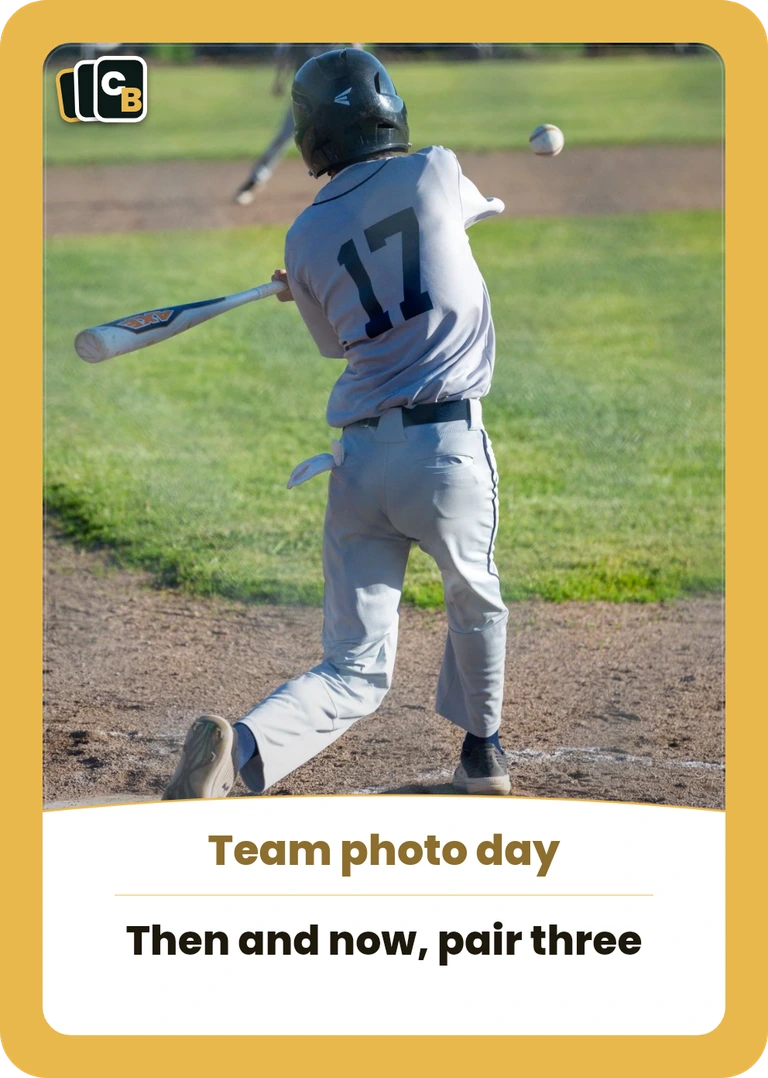
Team photo day
Then and now, pair three
The approximate year belongs in the caption, not a guessed date.
View back of Team photo day
The gear bag
Then and now, pair four
One old glove and one new one tell a story about the team.
View back of The gear bag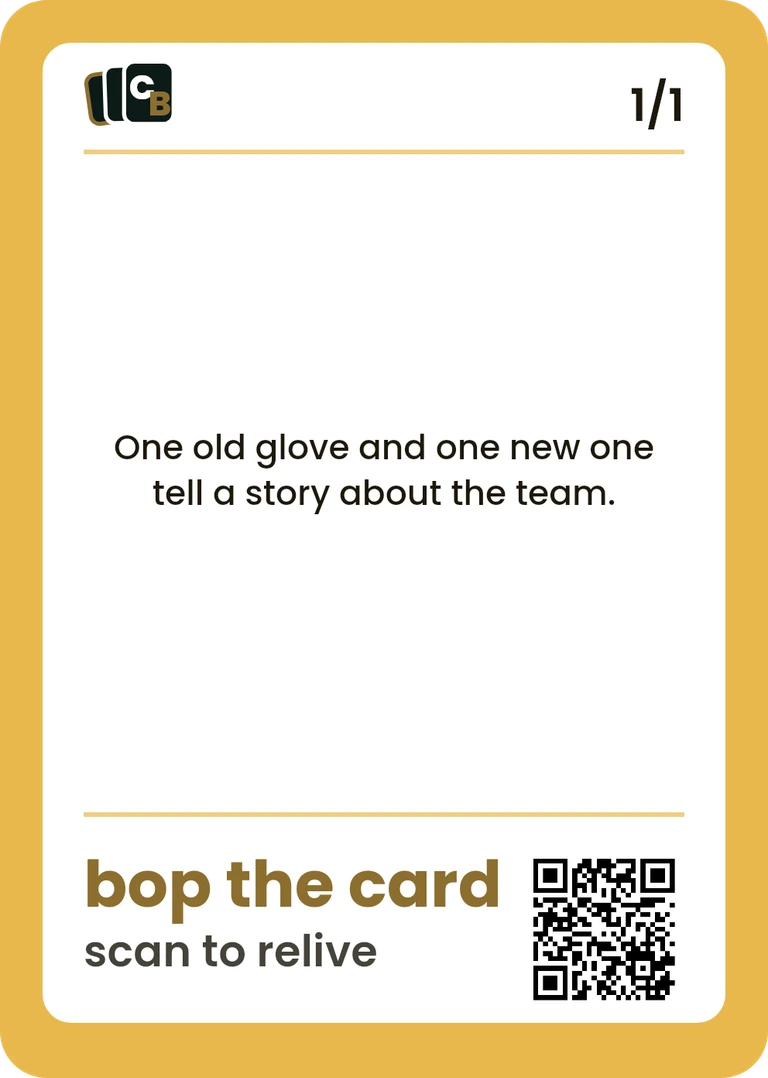
Frequently asked questions
How do I label a photo with no known year?+
Use an honest range or a description such as Early seasons, exact year unknown. Credit the source or contributor with permission.
Try a card with your own details
Use the worksheet or one of the examples above to plan your wording, then add your own permitted image and check both sides in the preview.
Free to design · No account needed to start · Preview before ordering.