Exhibition projects
Student art show take-home cards
Give each selected work a clear label and one sentence from the artist about a choice they made. Offer an optional take-home card with a permitted image. A guest should be able to connect the card to the work without learning private details about the student.
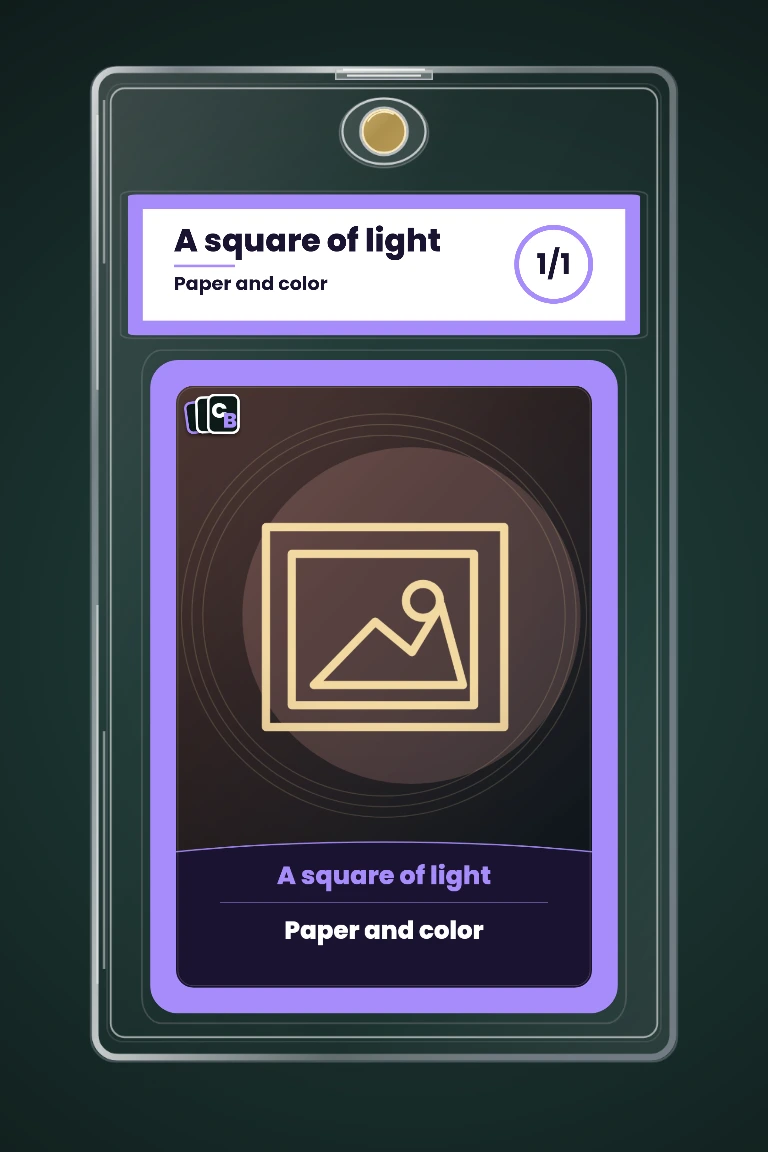
Cased Display Card
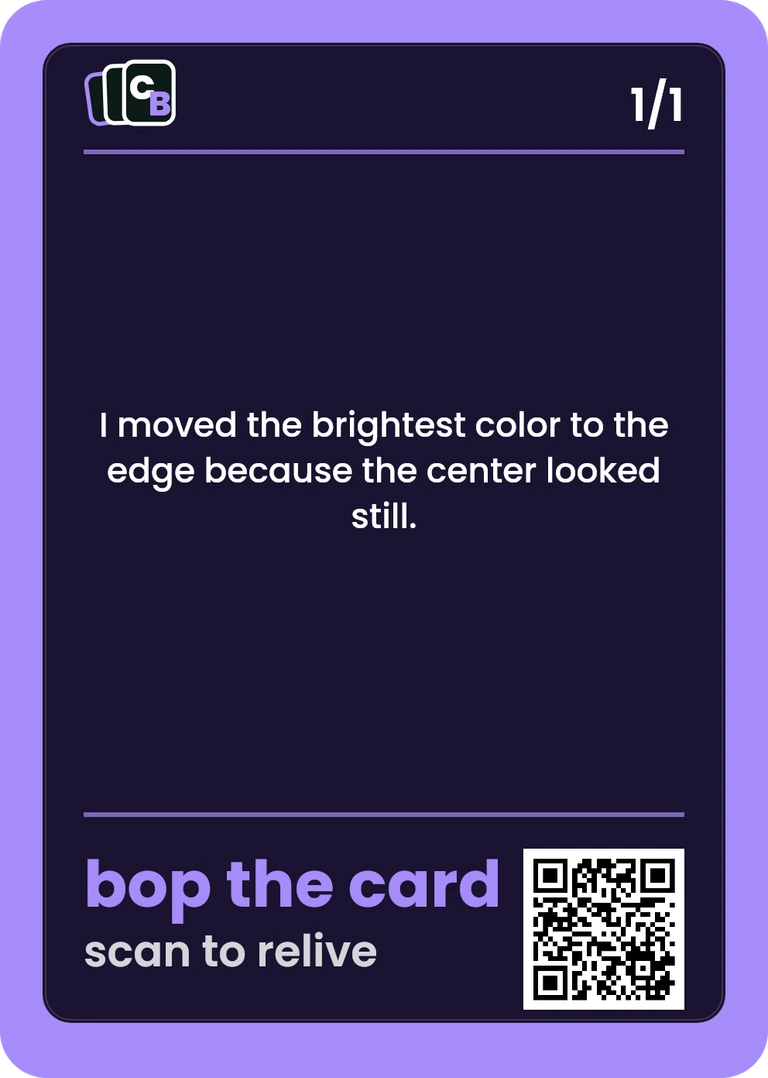
Sample card back
A Cardbop Display Card is one custom card sealed in a clear display case with a personalized label.
Free to design · No account needed to start · Preview before ordering.
Try it with your own material
Make a repeatable exhibit label
Start with title, material and the artist credit they approved. Add a decision line: “I used dark paper to make the bright shape stand out.” Keep both the display and small version easy to read.
Ask before using an image
Decide where the artwork will be shown and whether it can be reproduced on a keepsake. Offer first name only, a pseudonym or no take-home copy as appropriate to your school’s plan.
Match the card to the exhibit
Use the same title on the wall and card. Give the printed version enough context to make sense away from the exhibit. Let visitors take one if the artist and organizer agreed to it.
Open the free printable worksheet Use your browser’s print option to keep a copy.
See the finished examples
A square of light
Paper and color
I moved the brightest color to the edge because the center looked still.
View back of A square of light
The orchard
Layered shapes
I used several greens so each tree would feel a little different.
View back of The orchard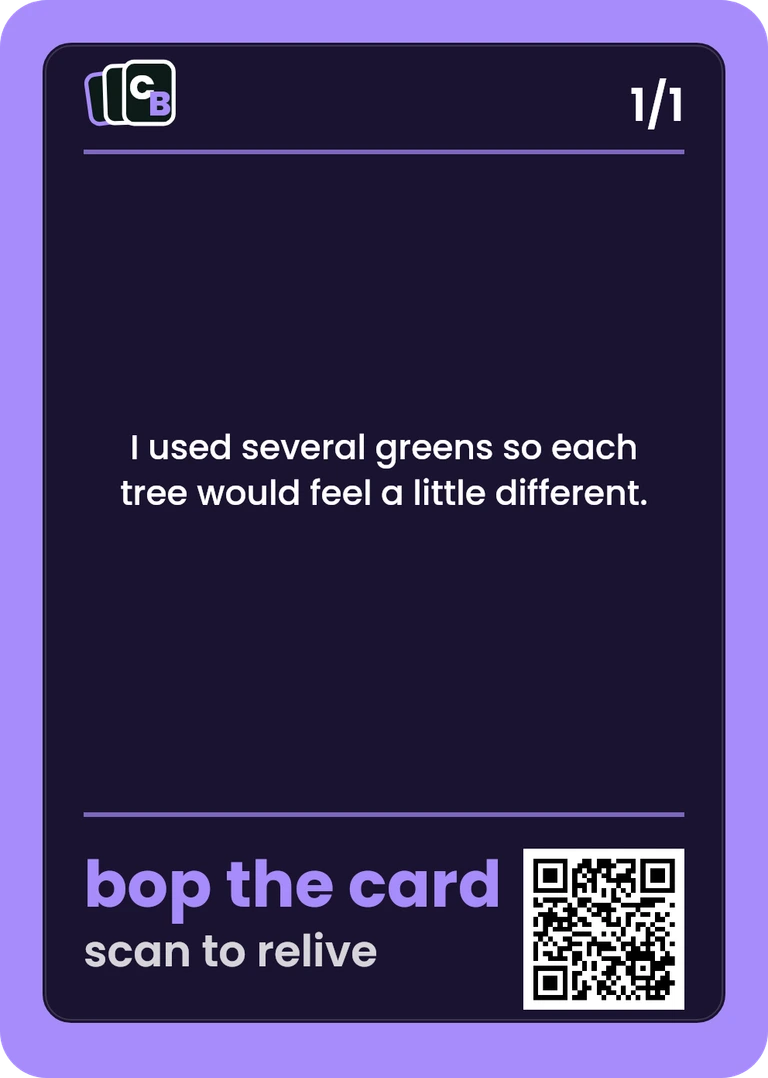
The long hill
A print study
The narrow path pulled my eye away from the middle.
View back of The long hill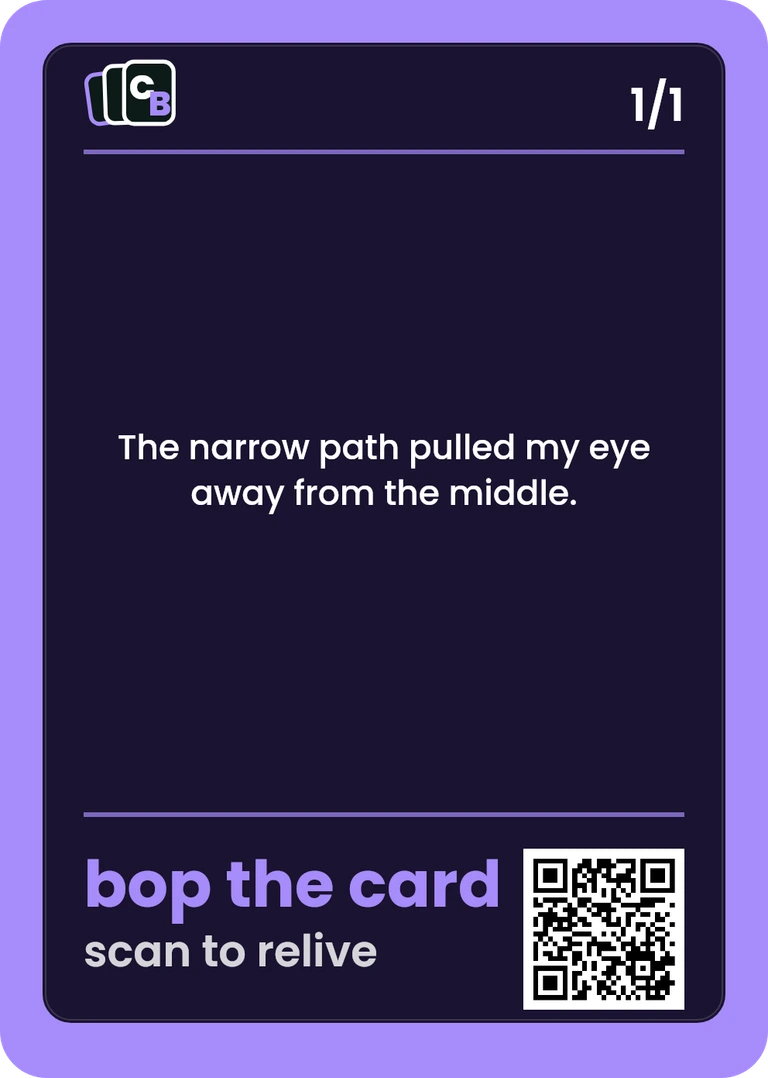
A night visitor
Ink study
I left extra space around the wings so the shape was easy to see.
View back of A night visitor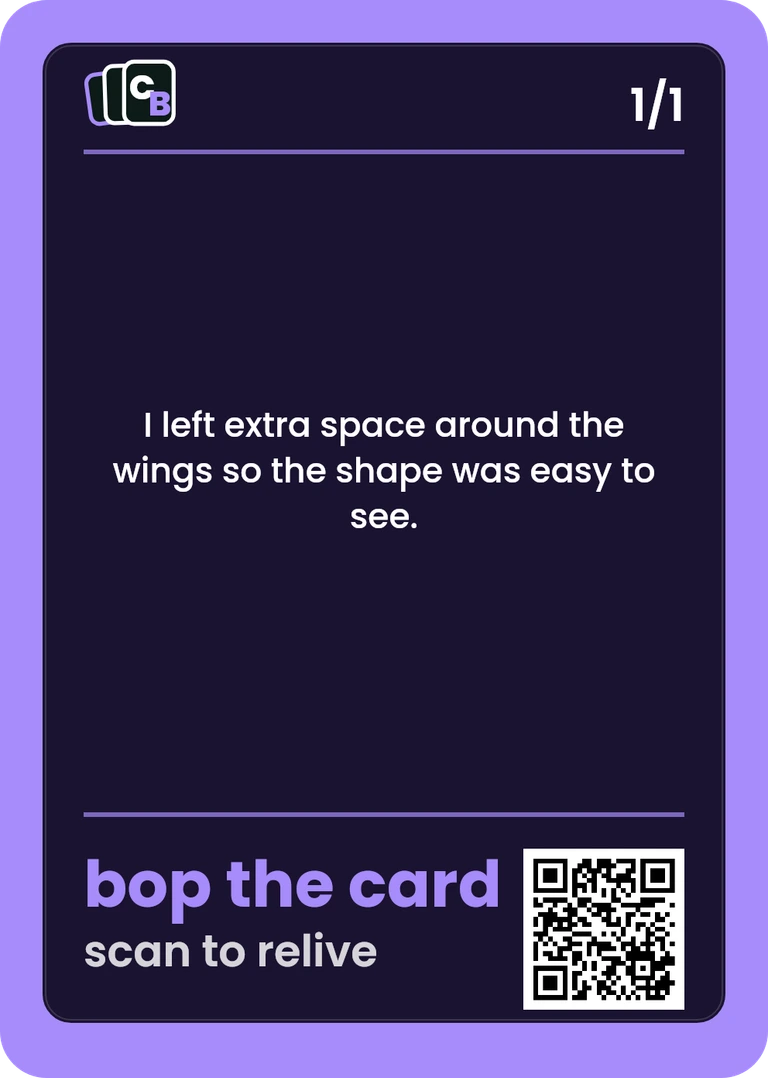
Frequently asked questions
Can the take-home card use the whole artist statement?+
Use one useful sentence. Put the longer approved statement in a separate program or web page if you need to preserve it.
Try a card with your own details
Use the worksheet or one of the examples above to plan your wording, then add your own permitted image and check both sides in the preview.
Free to design · No account needed to start · Preview before ordering.