Team planning
Sports photo permission checklist for custom cards
Before using a sports photo, check who supplied it, what the written terms allow, and how you plan to use it. A private printed card, a team share and a public promotion may be different uses. If the included terms are unclear, describe your exact plan and ask the photographer or other rightsholder before you proceed.
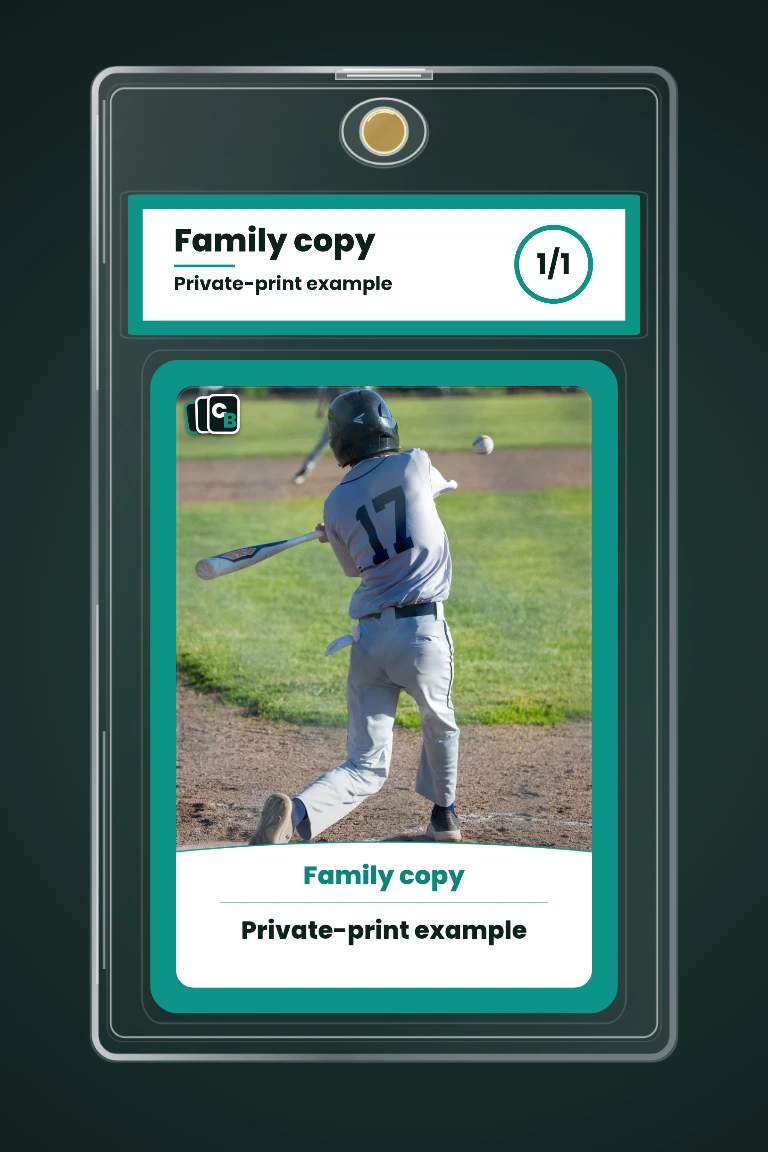
Cased Display Card
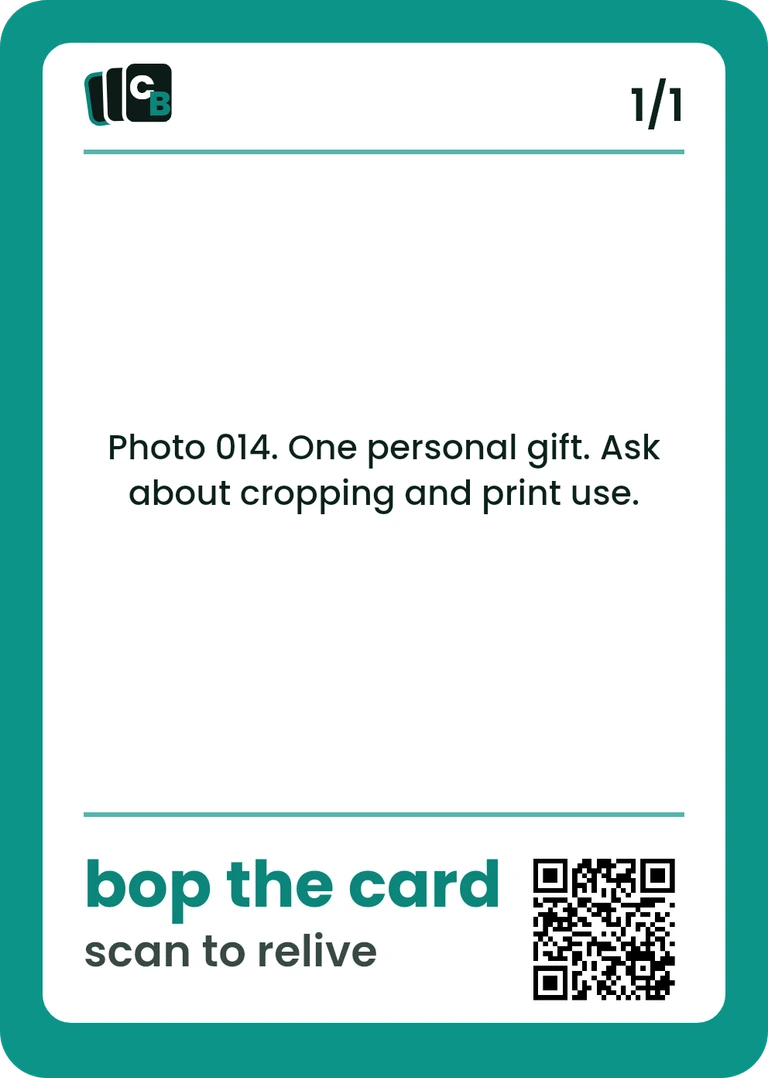
Sample card back
A Cardbop Display Card is one custom card sealed in a clear display case with a personalized label.
Free to design · No account needed to start · Preview before ordering.
Try it with your own material
Identify the exact image
Write the image ID or file name, the photographer, and how you obtained it. Review the delivery agreement or license. Confirm you have the right image and expected crop.
Make the request concrete
Try this: “We’d like to use photo 014 on one printed card for our family. May we crop it into the card design? Is that use included in our agreement?” Change the wording if you’ll share or promote it.
Record each use
Keep private printing, team sharing and public promotion in separate lines. Record what was approved and by whom. If an agreement is unclear or a required permission hasn’t come back, use another photo you can clear.
Open the free printable worksheet Use your browser’s print option to keep a copy.
See the finished examples
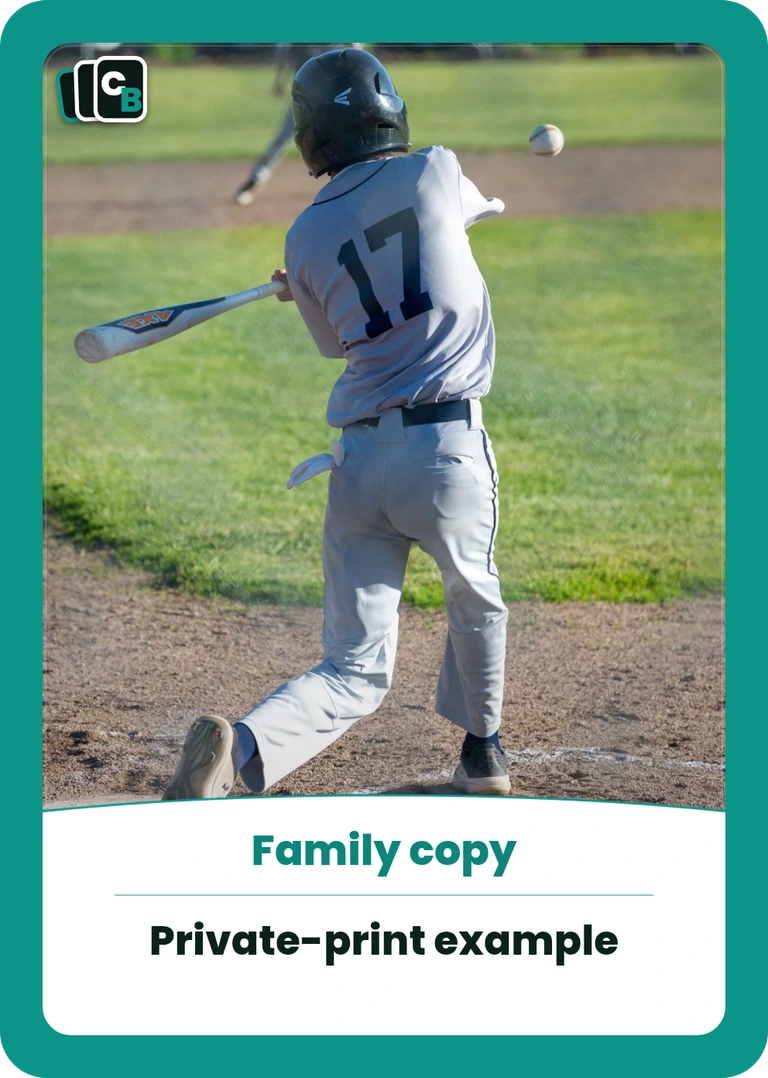
Family copy
Private-print example
Photo 014. One personal gift. Ask about cropping and print use.
View back of Family copy
Team design
Team-share example
Photo 014. Families would receive a link and may order a copy.
View back of Team design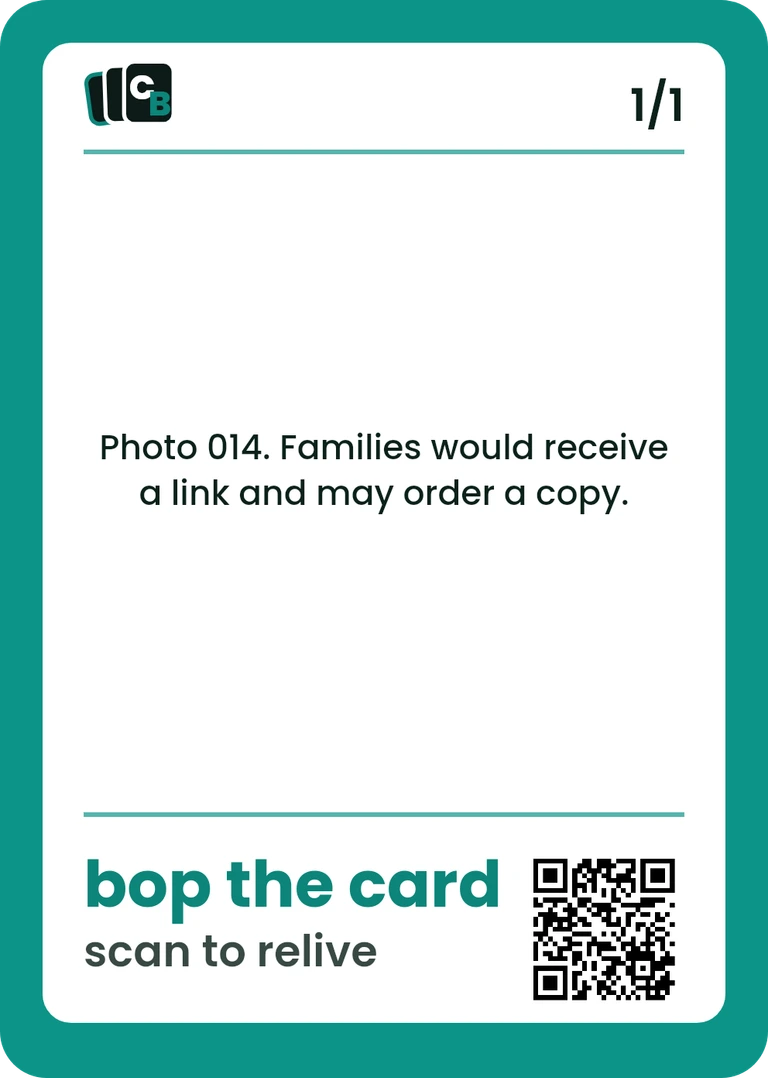
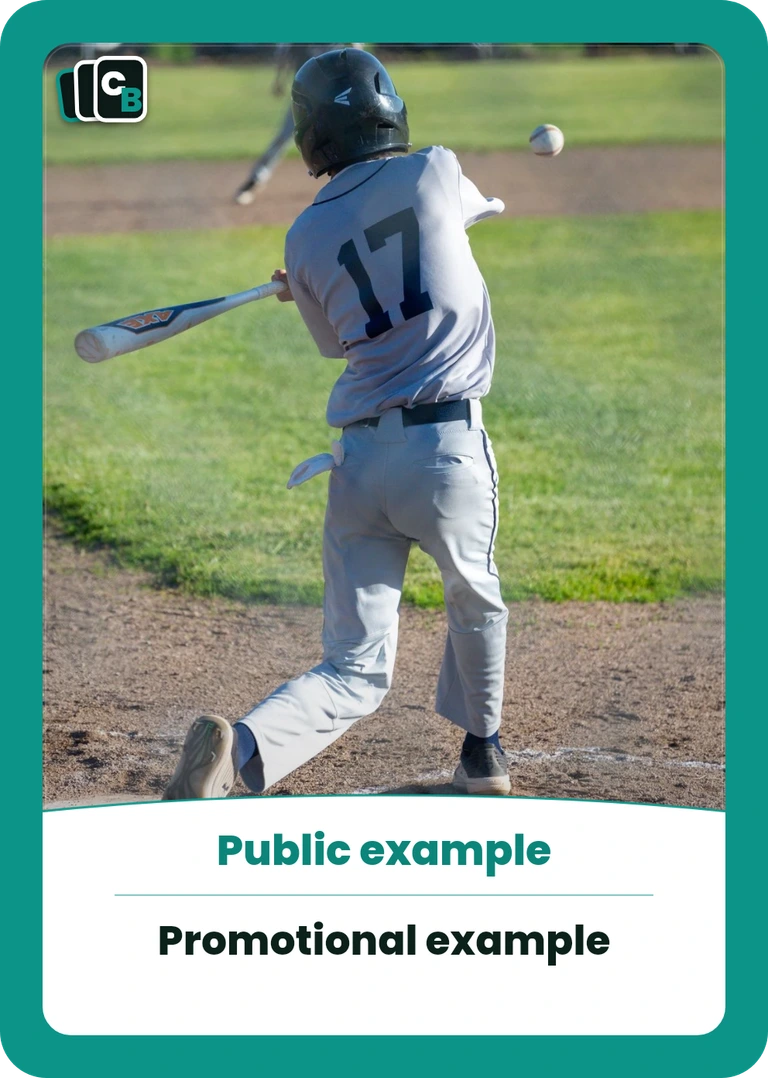
Public example
Promotional example
Photo 014. Ask about posting the image in a named public channel.
View back of Public example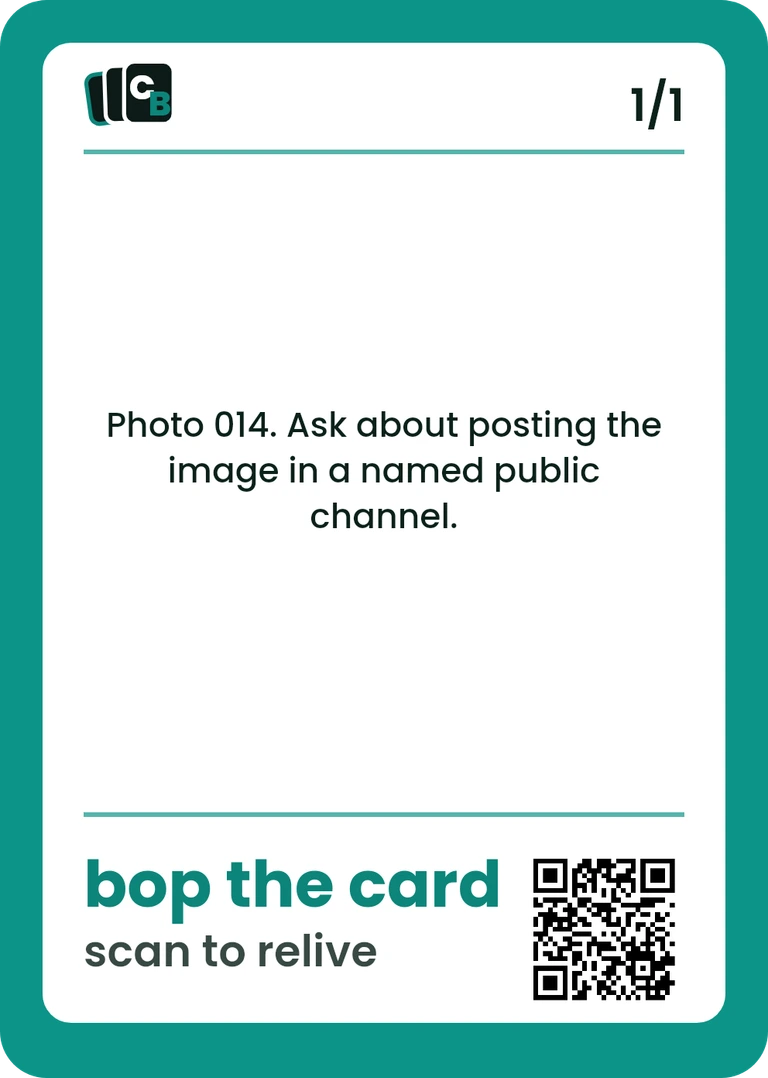
Frequently asked questions
How should I describe a team share?+
Say who can receive the link, whether they can order the card and whether you plan to publish the example anywhere else. Ask the rightsholder if all those uses are included.
Try a card with your own details
Use the worksheet or one of the examples above to plan your wording, then add your own permitted image and check both sides in the preview.
Free to design · No account needed to start · Preview before ordering.