People at work
A first-week card kit for new employees
Give each teammate a card with one responsibility and one useful “ask me about” line. Use the cards to help a new hire know whom to contact during the first week. Keep the task names concrete and check that everyone is comfortable with the details and photo.
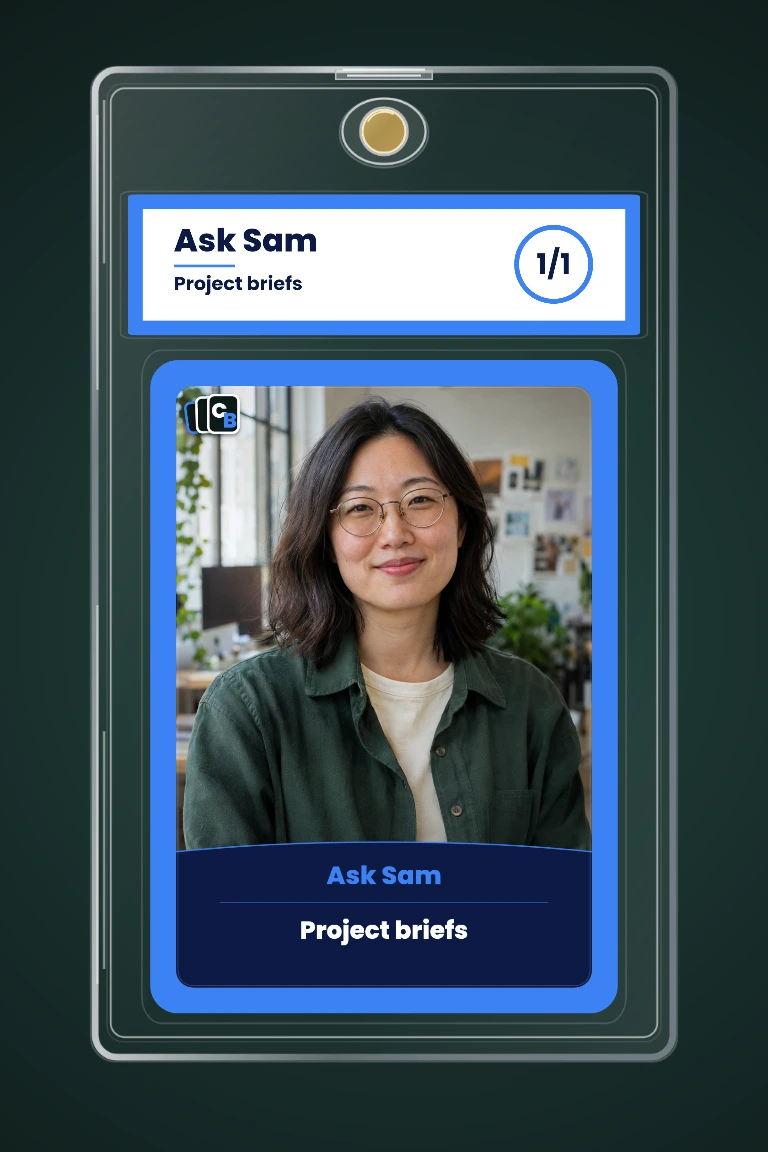
Cased Display Card
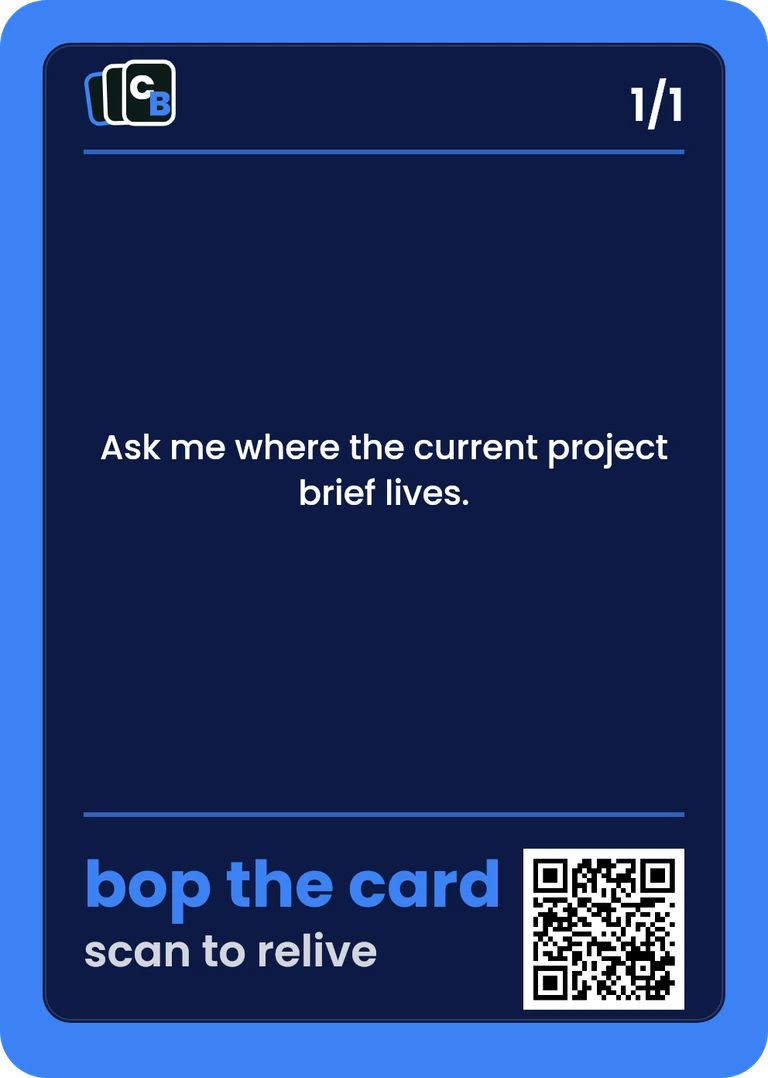
Sample card back
A Cardbop Display Card is one custom card sealed in a clear display case with a personalized label.
Free to design · No account needed to start · Preview before ordering.
Try it with your own material
Name useful first-week tasks
Choose what a new person will actually need, such as equipment, feedback on a draft or finding a shared file. Associate one owner with each task and name a backup separately.
Confirm the details
Ask for the person’s preferred name, role, permission for their photo, and one useful prompt. Avoid personal contact information in a broadly shared version.
Try a real first-week question
Ask a reader which card they would pick if they could not find the current project brief. If two look equally plausible, differentiate the responsibilities before printing.
Open the free printable worksheet Use your browser’s print option to keep a copy.
See the finished examples
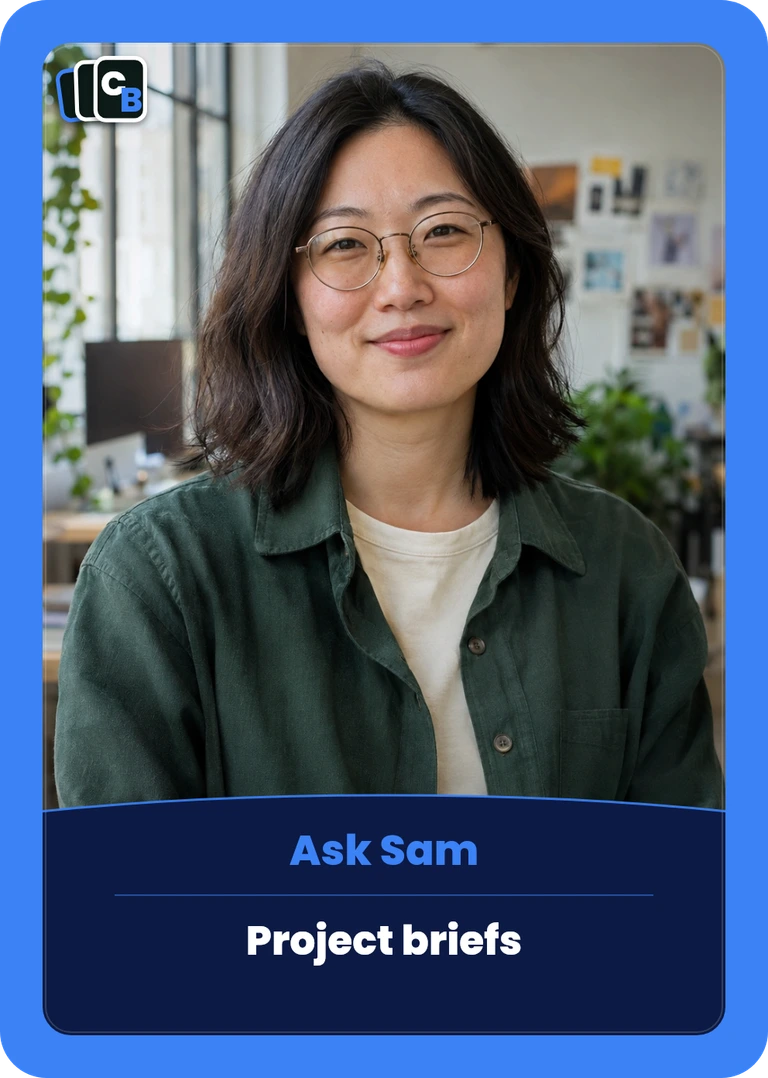
Ask Sam
Project briefs
Ask me where the current project brief lives.
View back of Ask Sam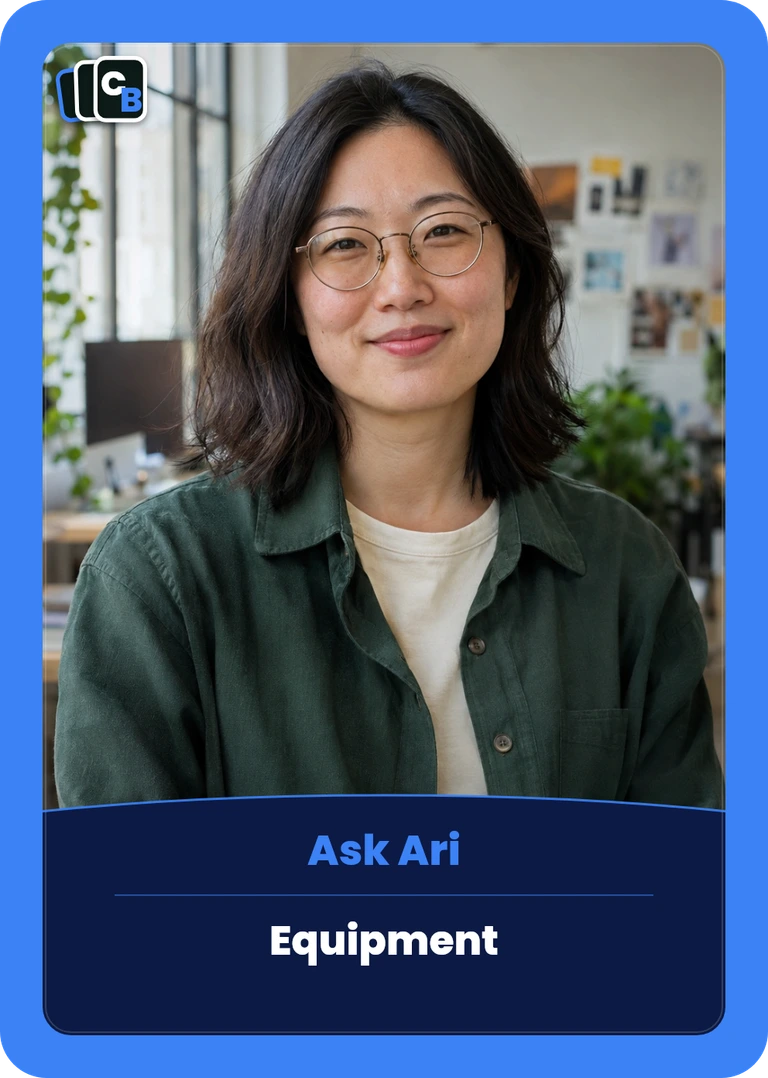
Ask Ari
Equipment
Ask me how to get setup gear before your first meeting.
View back of Ask Ari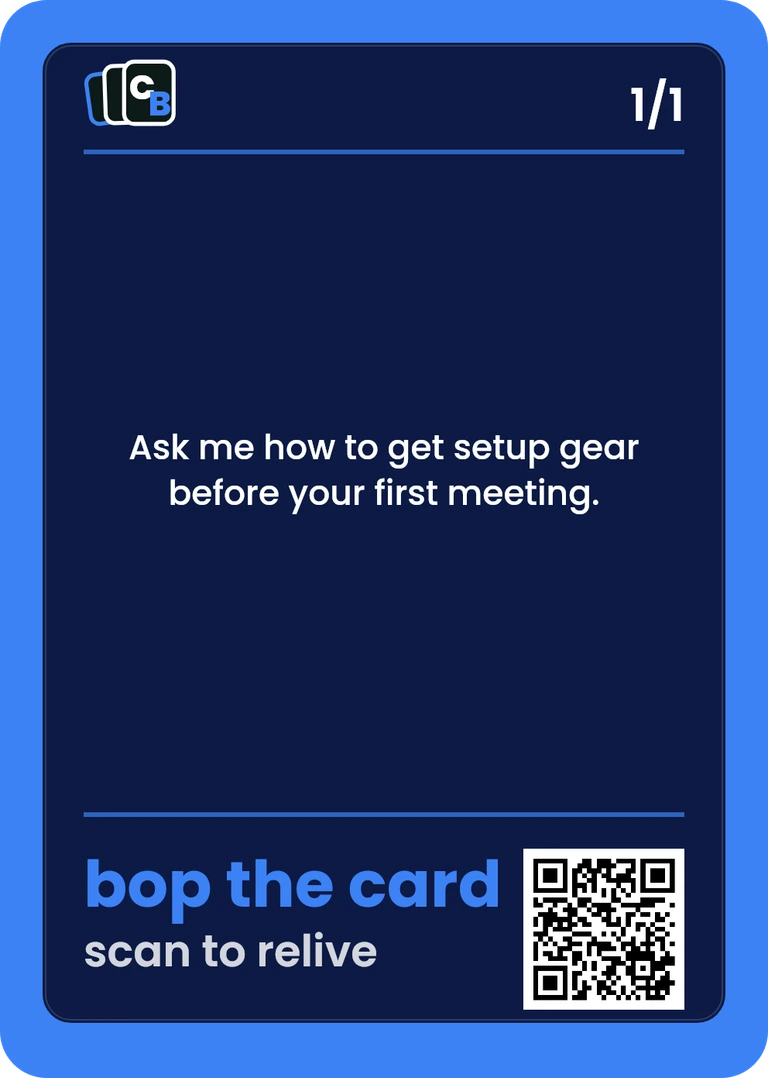
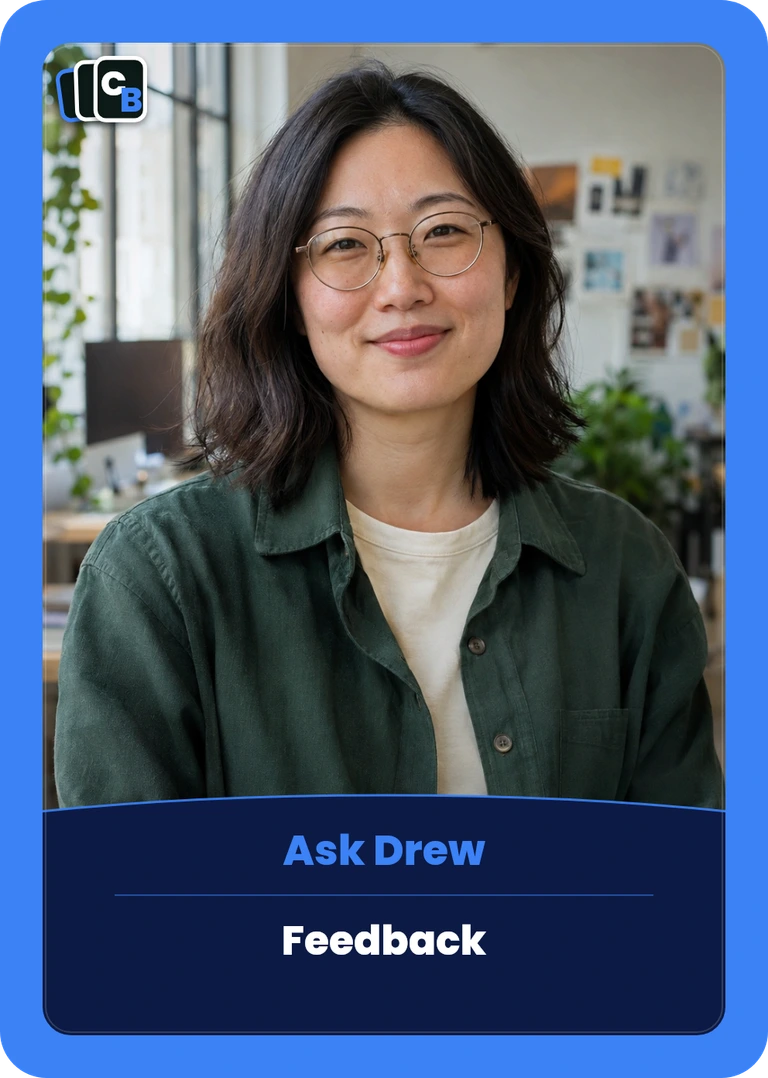
Ask Drew
Feedback
Ask me who reviews your first draft.
View back of Ask Drew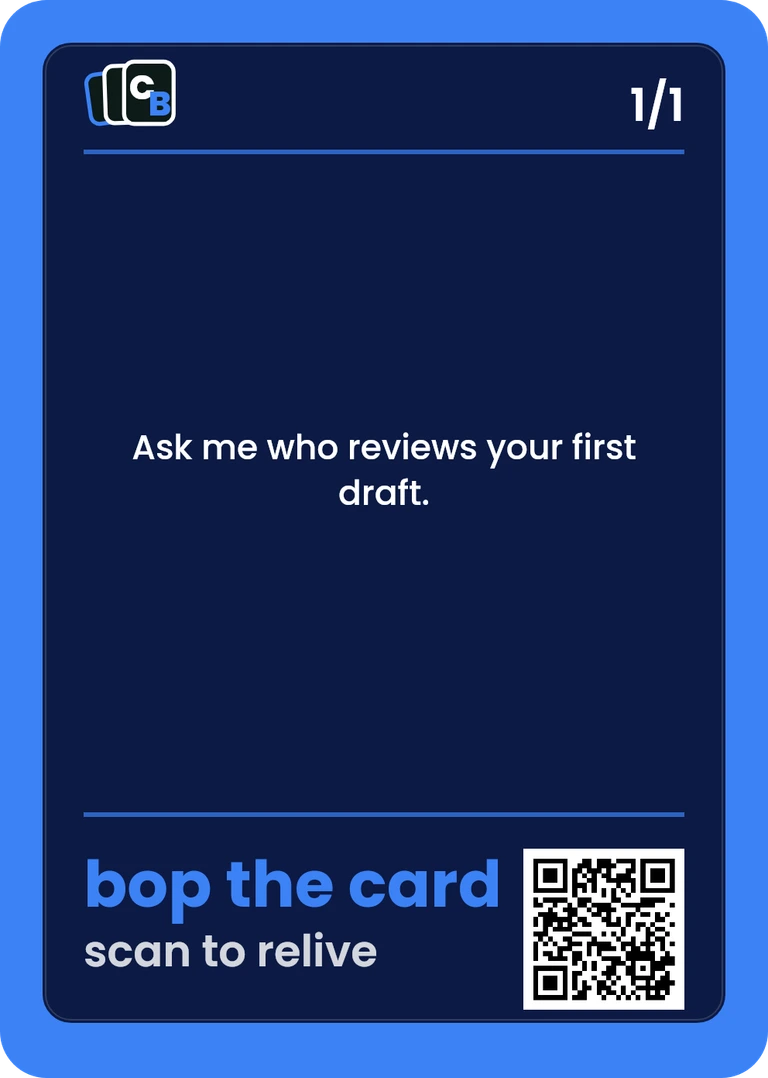

Ask Reese
Customer context
Ask me where to read the notes from past customer interviews.
View back of Ask Reese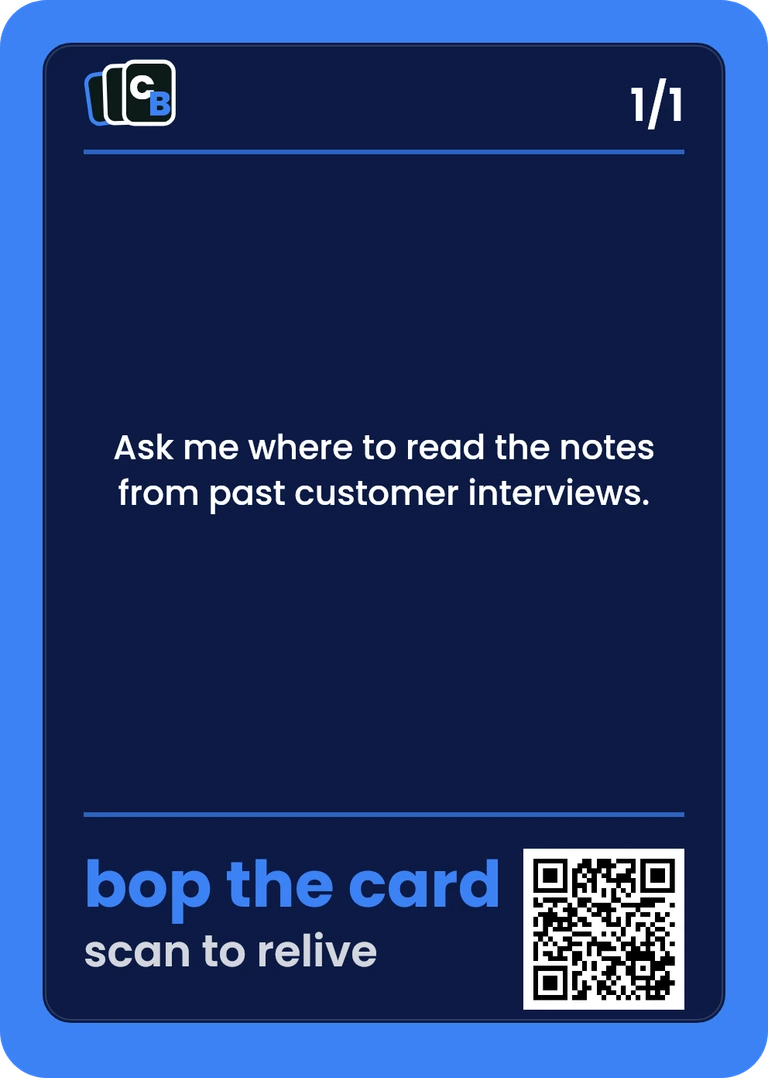

Ask Jo
Working agreements
Ask me what to bring to a weekly team meeting.
View back of Ask Jo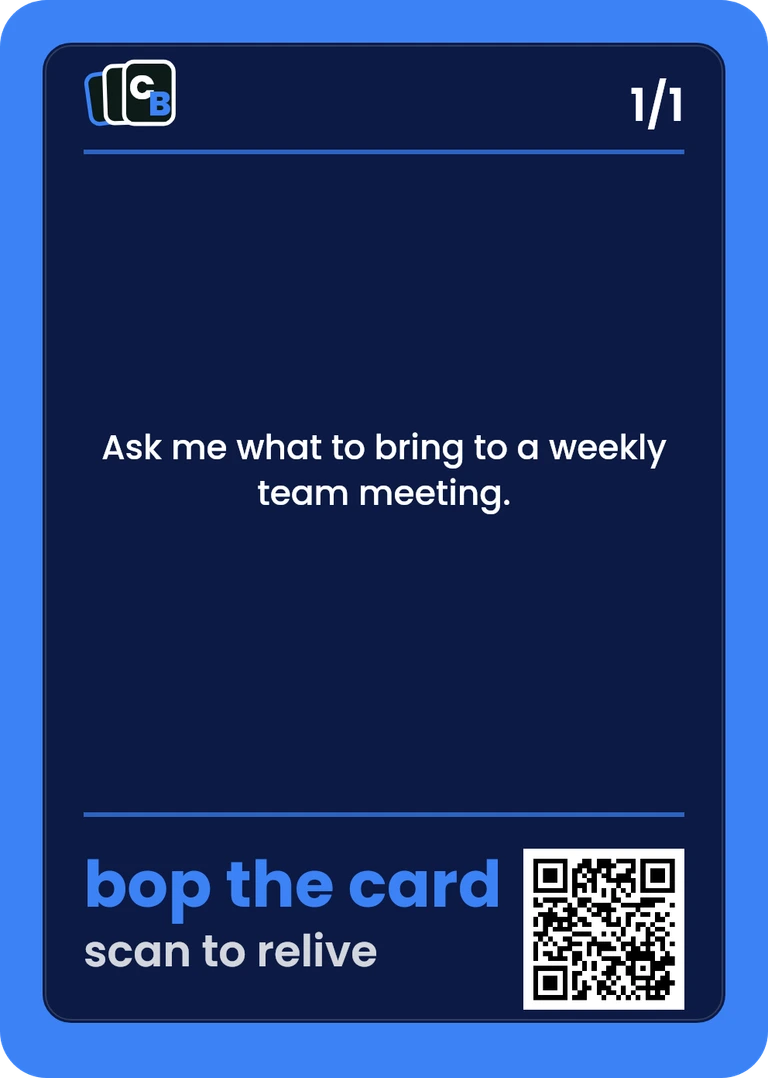
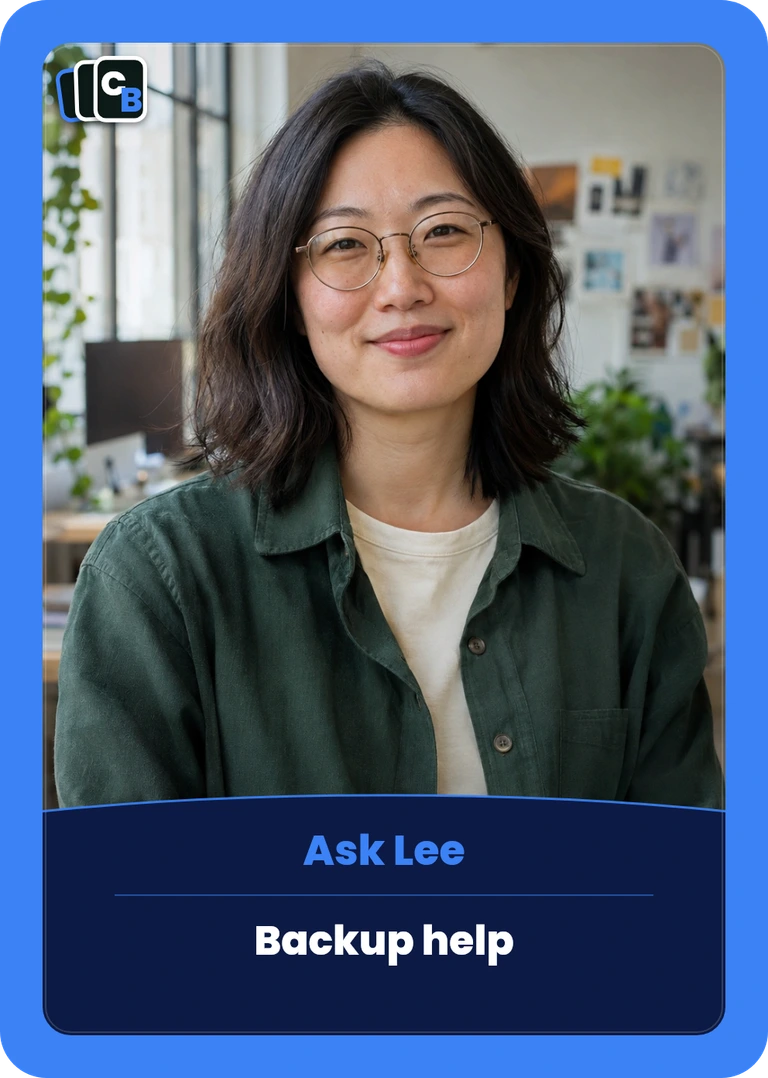
Ask Lee
Backup help
Ask me where to look when a teammate is out.
View back of Ask Lee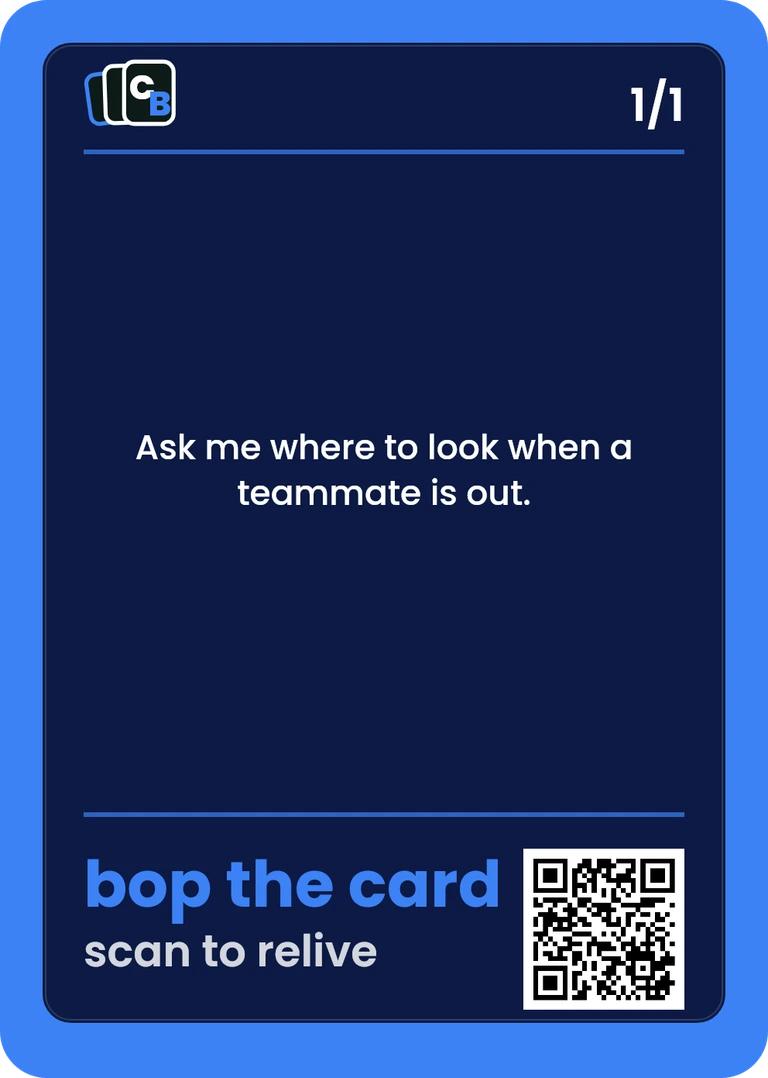
Frequently asked questions
Are the cards a substitute for an updated directory?+
Use them for introductions. Keep a maintained directory for changes in responsibility or contact details.
Try a card with your own details
Use the worksheet or one of the examples above to plan your wording, then add your own permitted image and check both sides in the preview.
Free to design · No account needed to start · Preview before ordering.