Medical school milestones
Match Day photo and keepsake ideas
Plan one reaction photo, one portrait after the news, and one detail the student wants to remember. Ask them which photo and details they want to share. A private keepsake can carry the date and a sentence about who was there, even when the program name stays off it.
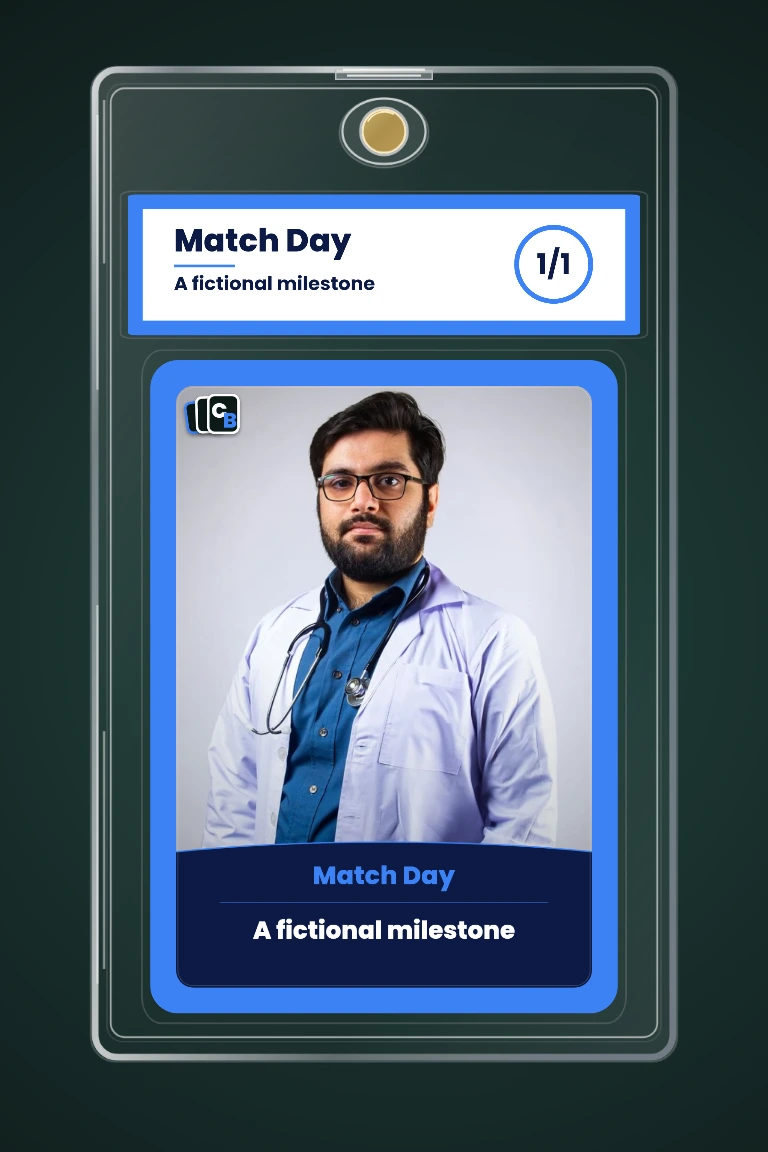
Cased Display Card
Sample card back
A Cardbop Display Card is one custom card sealed in a clear display case with a personalized label.
Free to design · No account needed to start · Preview before ordering.
Try it with your own material
Agree on the reaction shot
Ask whether the student wants a camera out at the moment they learn the result. Let them skip that photo and choose a later portrait.
Take one picture after the news
Use a quiet, permitted spot with a clear background. Frame the person first and keep private documents out of the shot.
Save a detail in the student’s words
Record a short sentence about what they want to remember. Verify any program wording and use only details they approve.
Open the free printable worksheet Use your browser’s print option to keep a copy.
Three photos and what to write with each
- The reaction
- Use a photo only if the student wants it. Example caption: “We heard the news together at the kitchen table.”
- The portrait
- A relaxed portrait taken later is easier to share. Example caption: “Match Day, with many people to thank.”
- The detail
- Photograph an empty envelope, a cup set out for a friend, or another agreed object. Example caption: “The cup sat untouched until we called Mom.”
- An option without photos of people
- Use an object photograph and the date. The story can still center the student without featuring their face or program name.
See the finished examples

Match Day
A fictional milestone
You made the call before anyone remembered to take a picture.
View back of Match Day
The envelope
A keepsake detail
We kept the envelope and wrote down who was there.
View back of The envelope
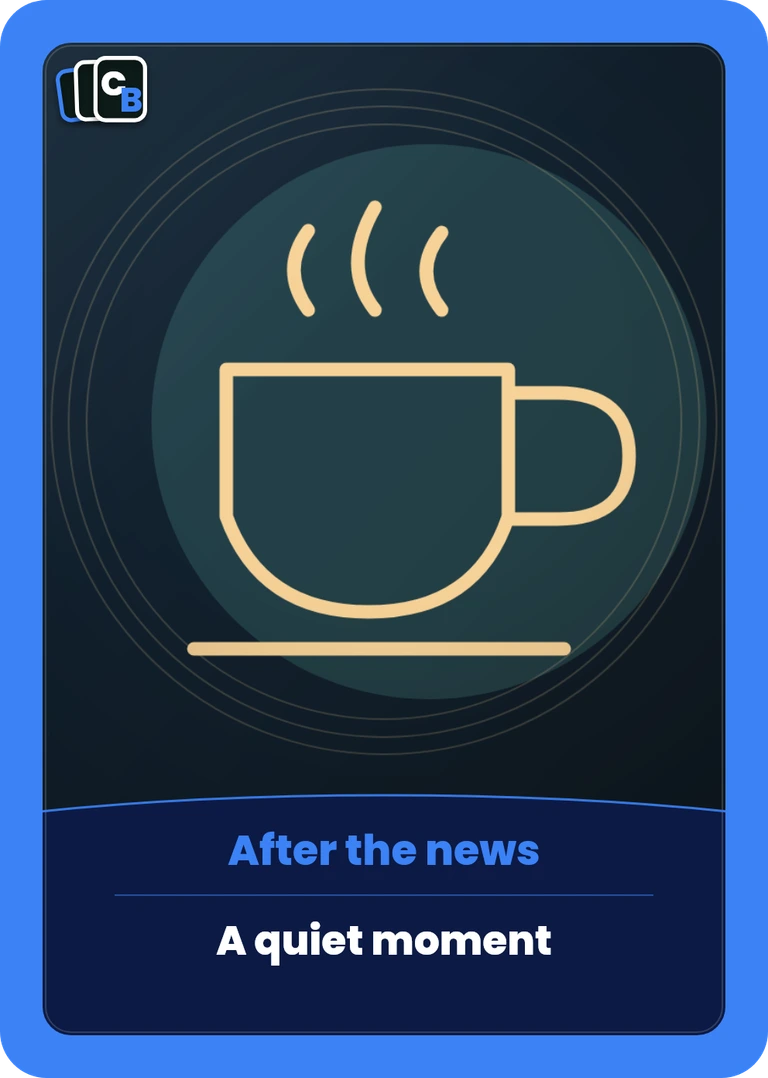
After the news
A quiet moment
The coffee went cold while we called home.
View back of After the news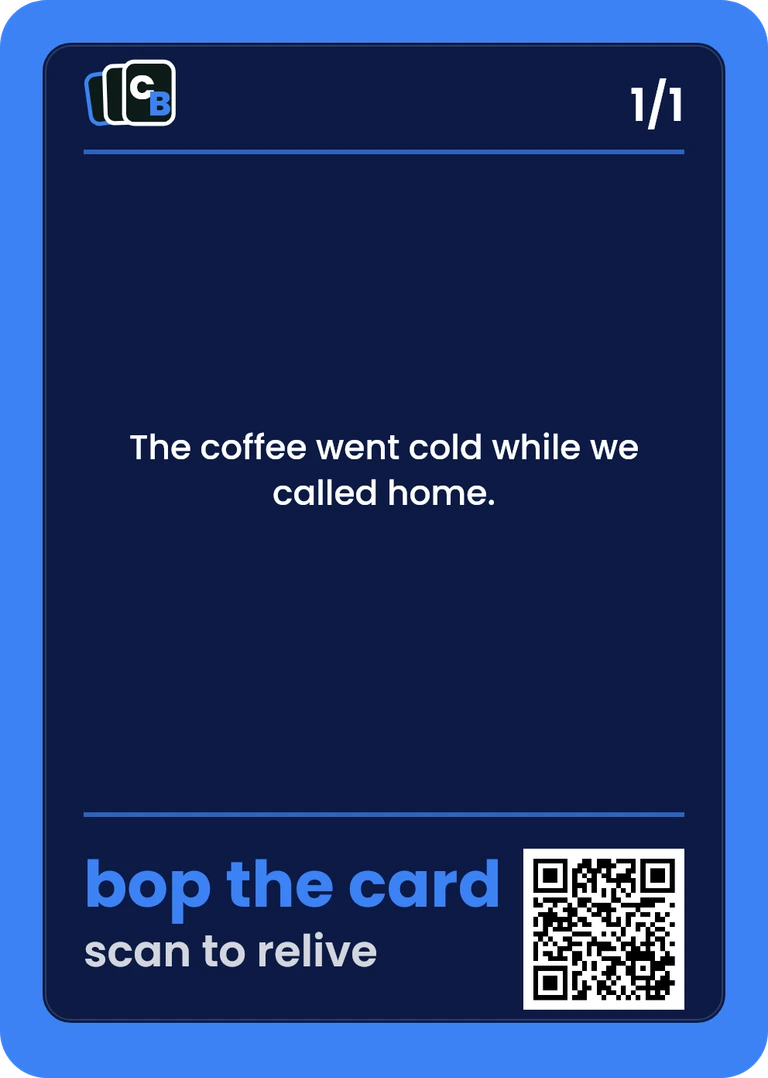
Frequently asked questions
What if the student keeps the result private?+
Use the date and a personal message. Ask which details can be printed or shared and leave the result off if they prefer.
Can I use the Match Day announcement as artwork?+
A student-approved object or portrait is simpler. Check permissions and remove identifying details before using any announcement image.
Try a card with your own details
Use the worksheet or one of the examples above to plan your wording, then add your own permitted image and check both sides in the preview.
Free to design · No account needed to start · Preview before ordering.