For team parents
The easy way for team parents to do player cards
Round up the roster, grab the checklist, and build one Pack — then share a link so every family orders their own.
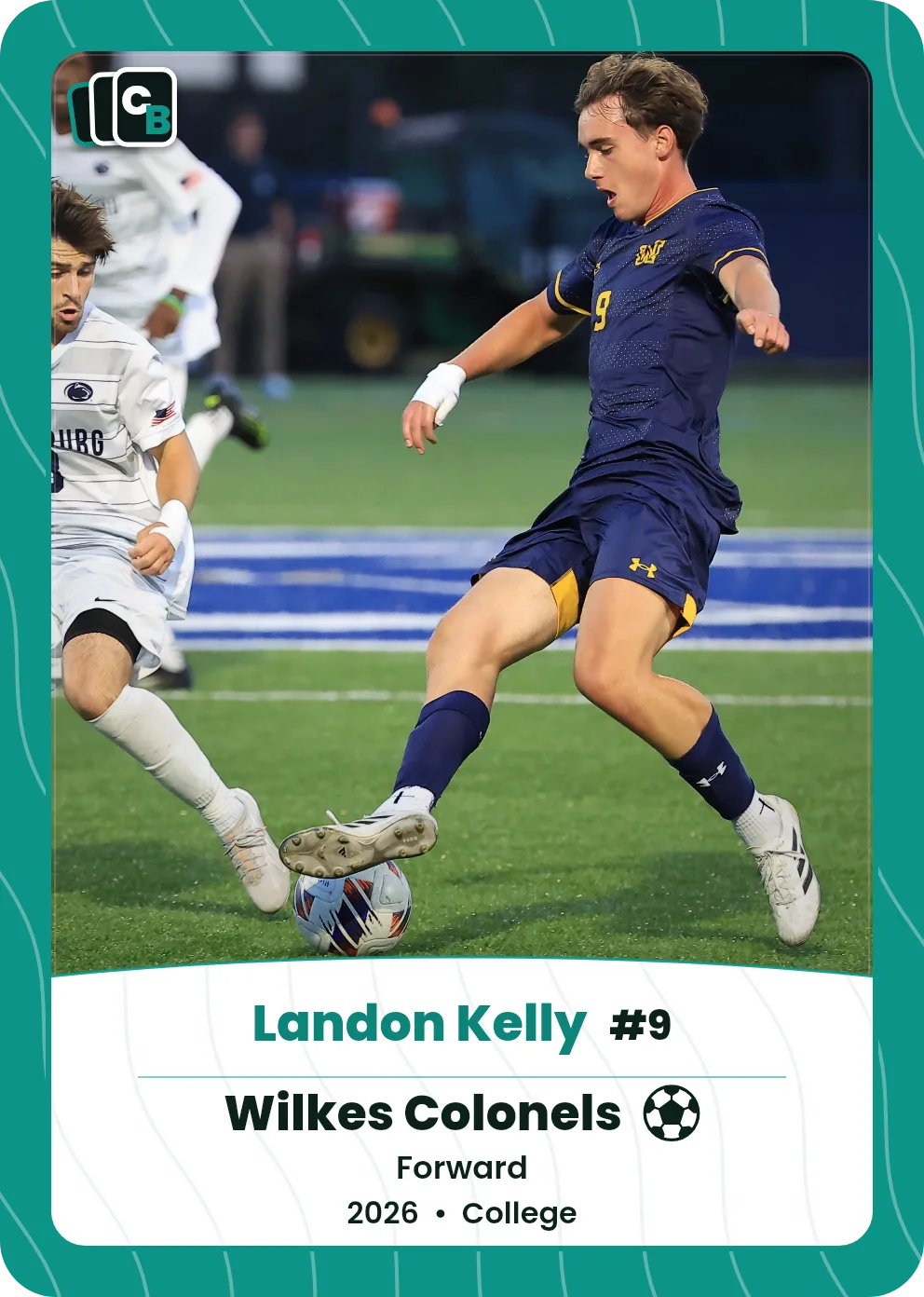
Swipe or drag horizontally, click the card, use the Front and Back buttons, or press the left and right arrow keys to change sides.
The short answer
For team parents, Cardbop makes player cards for the whole roster simple: gather each player's photo and details (use our free checklist), build one Card Pack of 10 cards, and share a single link so every family orders their own — the Pack for $49.99 or a slabbed single for $29.99. It's free to design.
How it helps
Start with the checklist
The photo and details to gather before you begin.
One share link
No spreadsheet — each family orders their own copies.
A gift families keep
A personalized card, not another team keychain.
Per-player designs
Each card in the Pack is truly that kid's.
Free to design — pay only if you love it
Personalized in minutes
A card for every player
One share link — families order their own
Numbered in your set
From $29.99
Frequently asked questions
What do I need before I start?+
A clear photo and a few details per player — name, team, jersey number, season. The free checklist walks through it.
Do I have to collect everyone's order?+
No. You build the Pack once and share one link; each family orders their own copies.
How much does it cost?+
A Display Card is $29.99 and a 10-card Card Pack is $49.99. Designing is free — you pay only if you love it.
Can each player's card be different?+
Yes — every card in a Pack can use its own photo, name, and details.
Start a team Pack.
More: For coaches · For booster clubs · Card checklist · Team trading cards · End of season team gifts